FikFis
Free UK delivery on orders over £50 · Same-day dispatch before 2pm · 30-day returns · Free UK delivery on orders over £50 · Same-day dispatch before 2pm · 30-day returns
Get the FikFis App
Secure Payments
SSL encrypted checkout
Free Delivery
On orders over £50
Easy Returns
30-day return policy
��Main functions
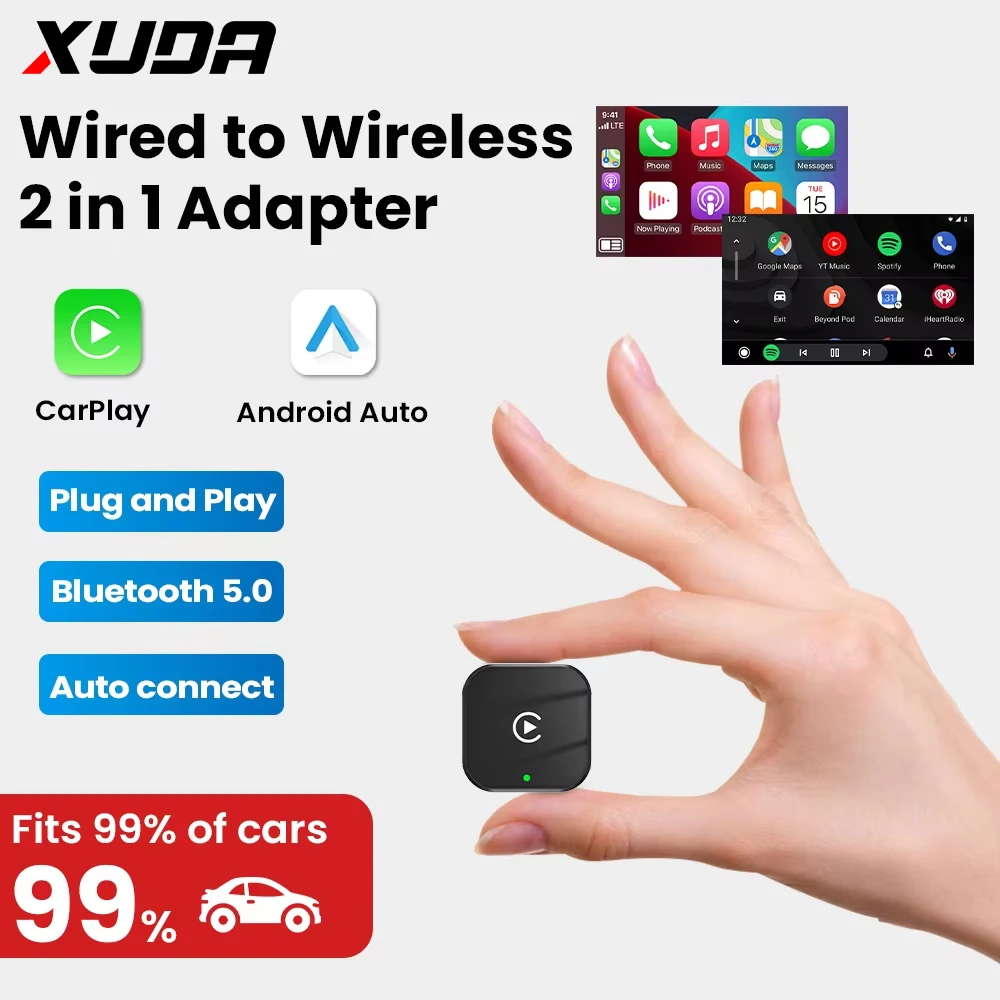
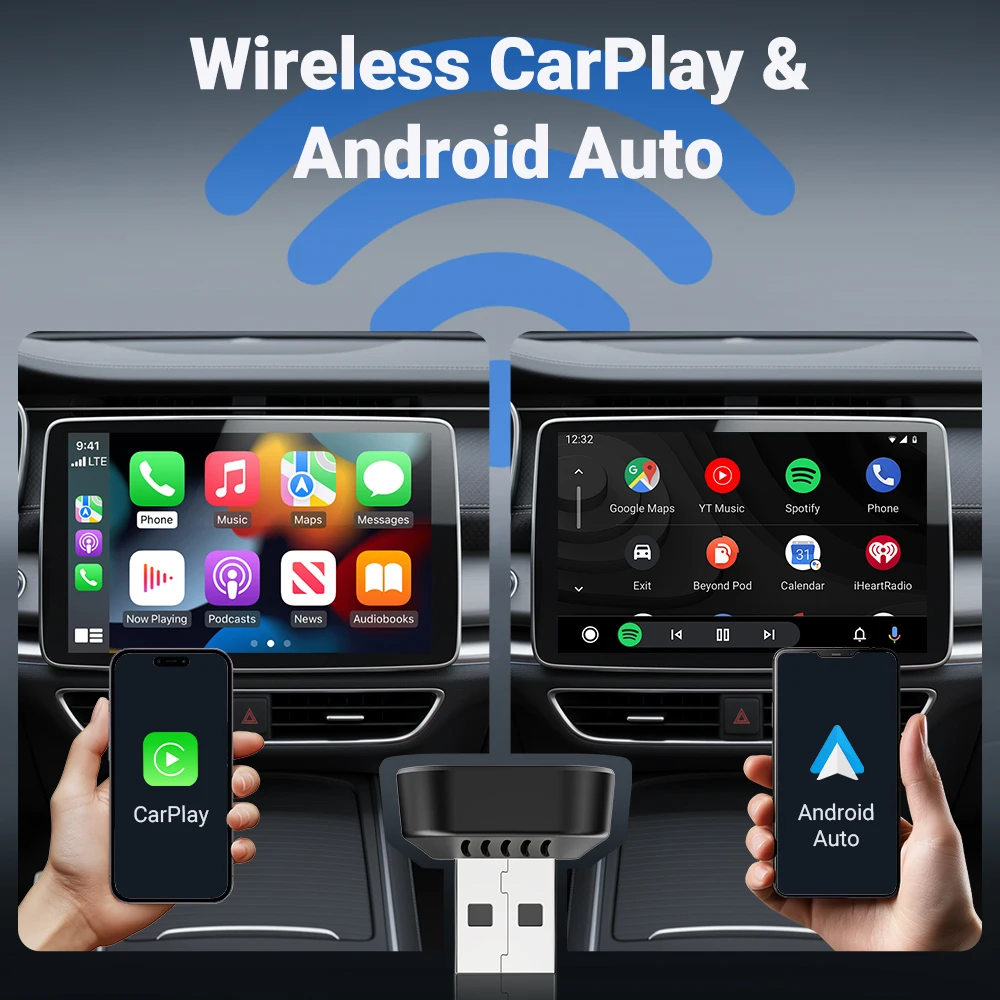
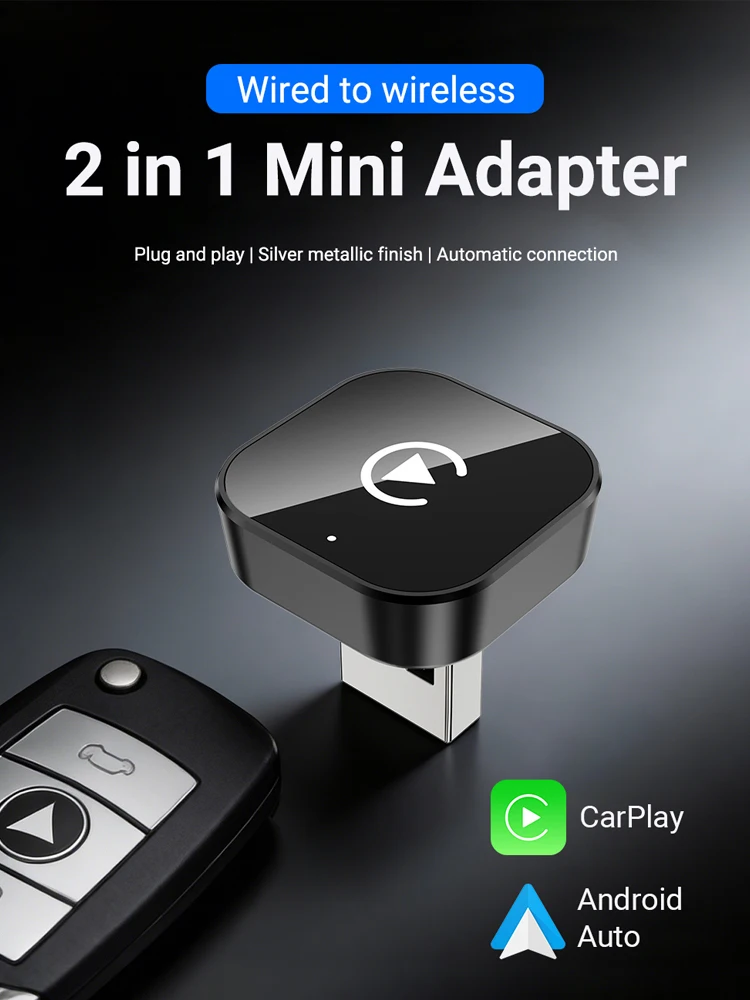
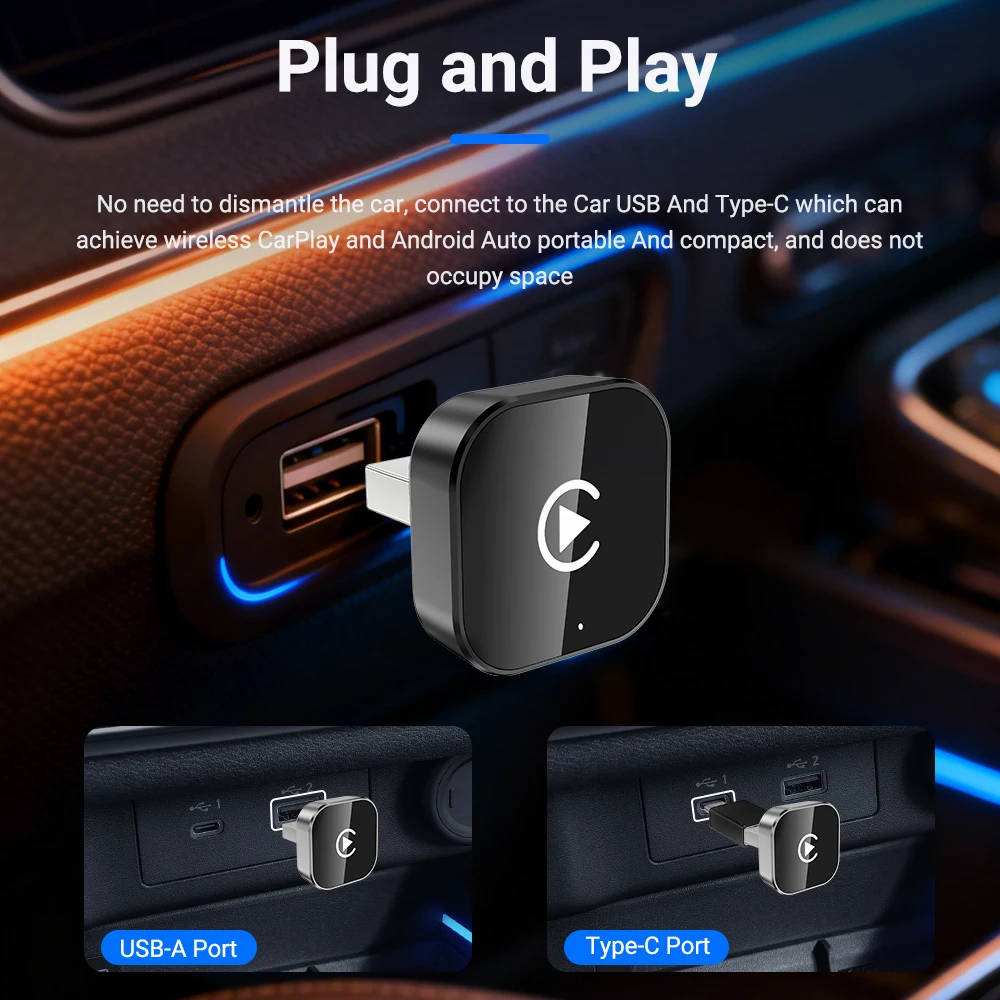
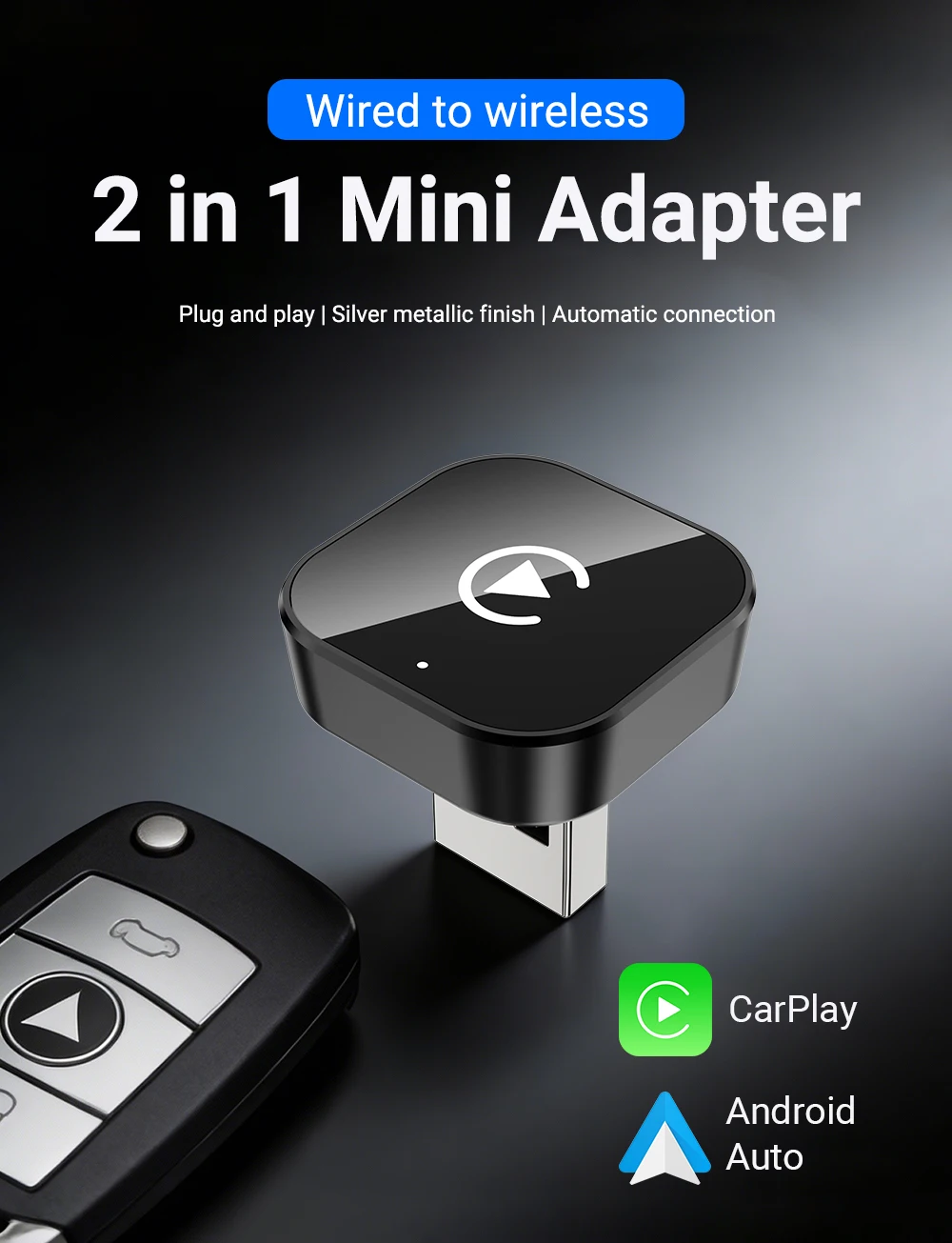
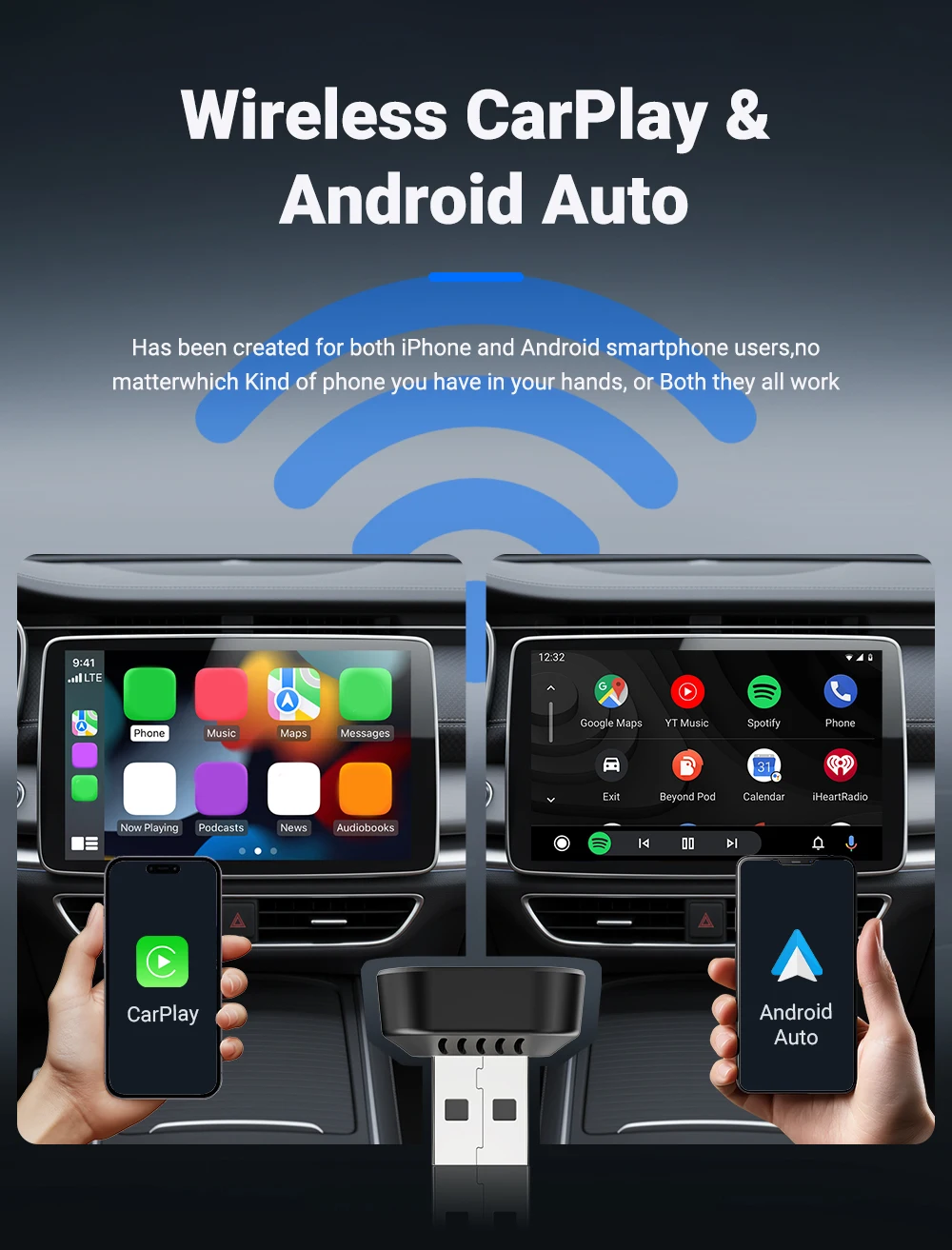
✅Wired Apple Carplay to wireless Apple CarPlay
✅Wired Android Auto to wireless Android Auto
��Notice
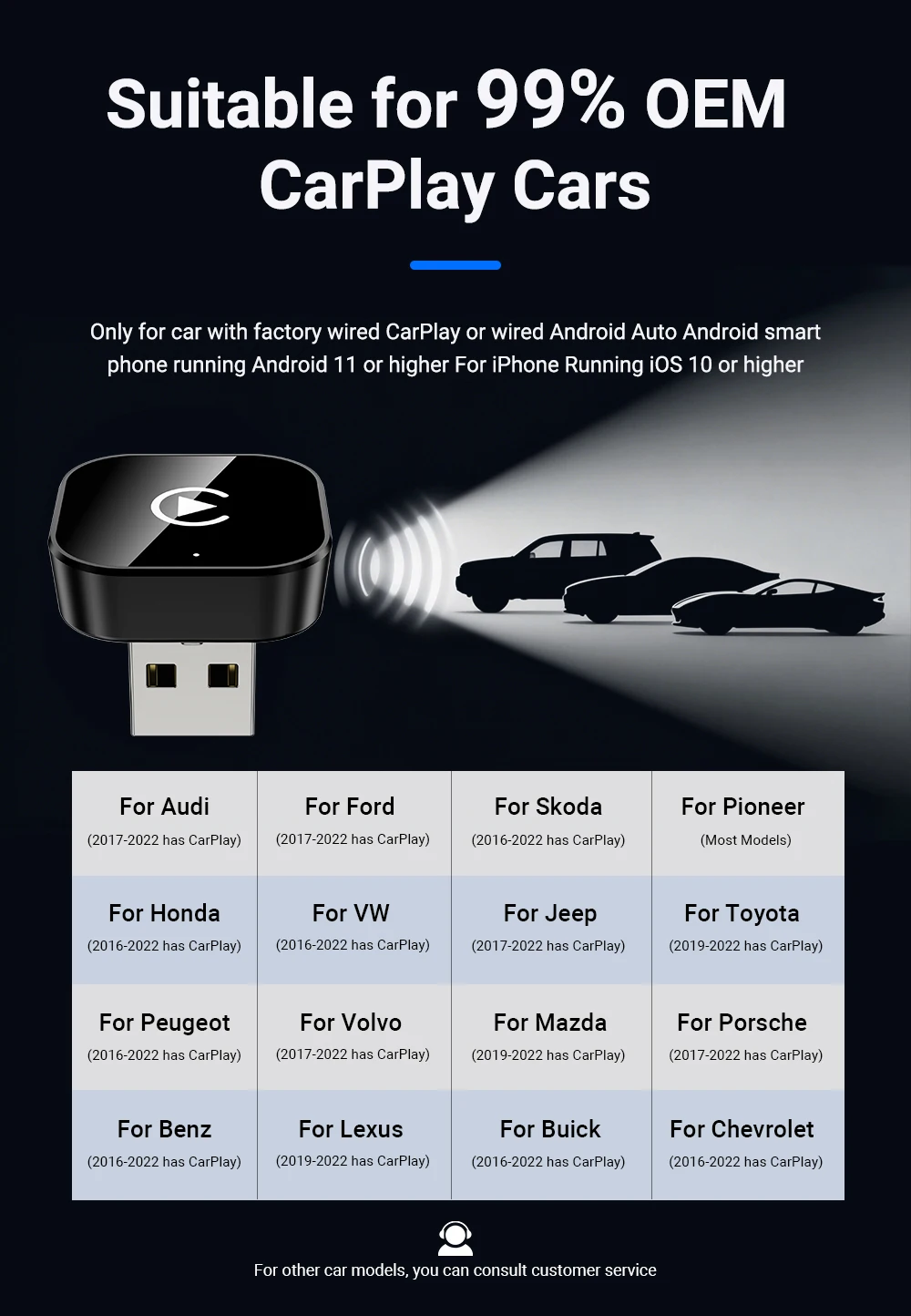
✅This product only supports OEM car radios with 98% wired Apple Carplay or Android auto
✅If there is no wired Carplay or Android auto support please do not buy, you will not be able to use it if you buy it, because this is entered through the original car Carplay protocol
✅ Please do not buy cars before 2017
✅This device does not support BMW/Tesla/Subaru/Mitsubishi/cars (Nissan is not recommended for purchase, poor compatibility)
��For Phone
✅For carplay:
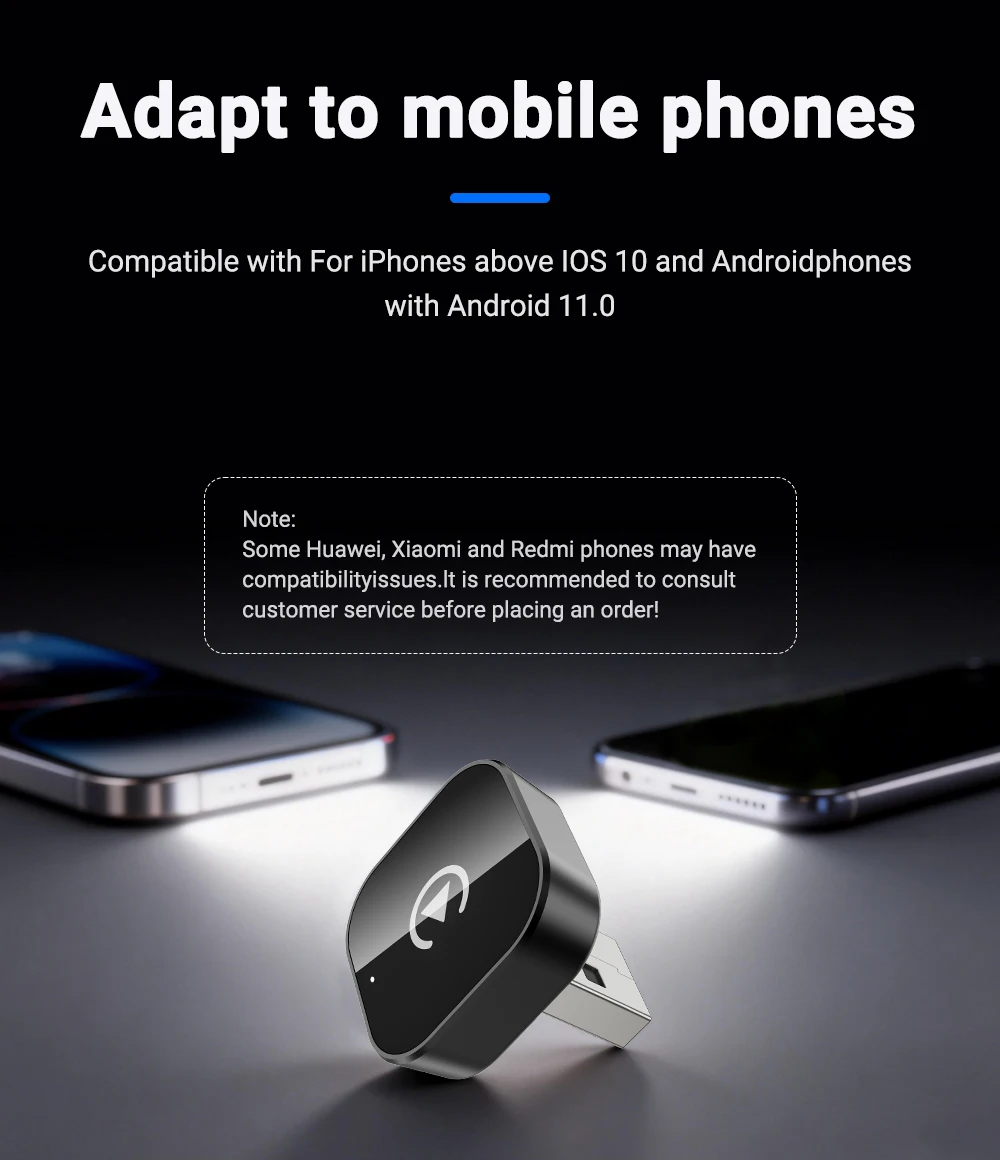
compatible with iphone 6 and above, and the software version is ios 10 and above.
✅For android car:
compatible with android 11 and above models, and the phone supports android car wireless.It should be noted that huawei phones are special.Huawei devices have their own mobile-emui operating system.Unfortunately, android car wireless is not compatible with emui.
(the device can only be connected to one mobile phone, not two mobile phones at the same time)
✅No support Huawei
��How to use wireless Carplay?
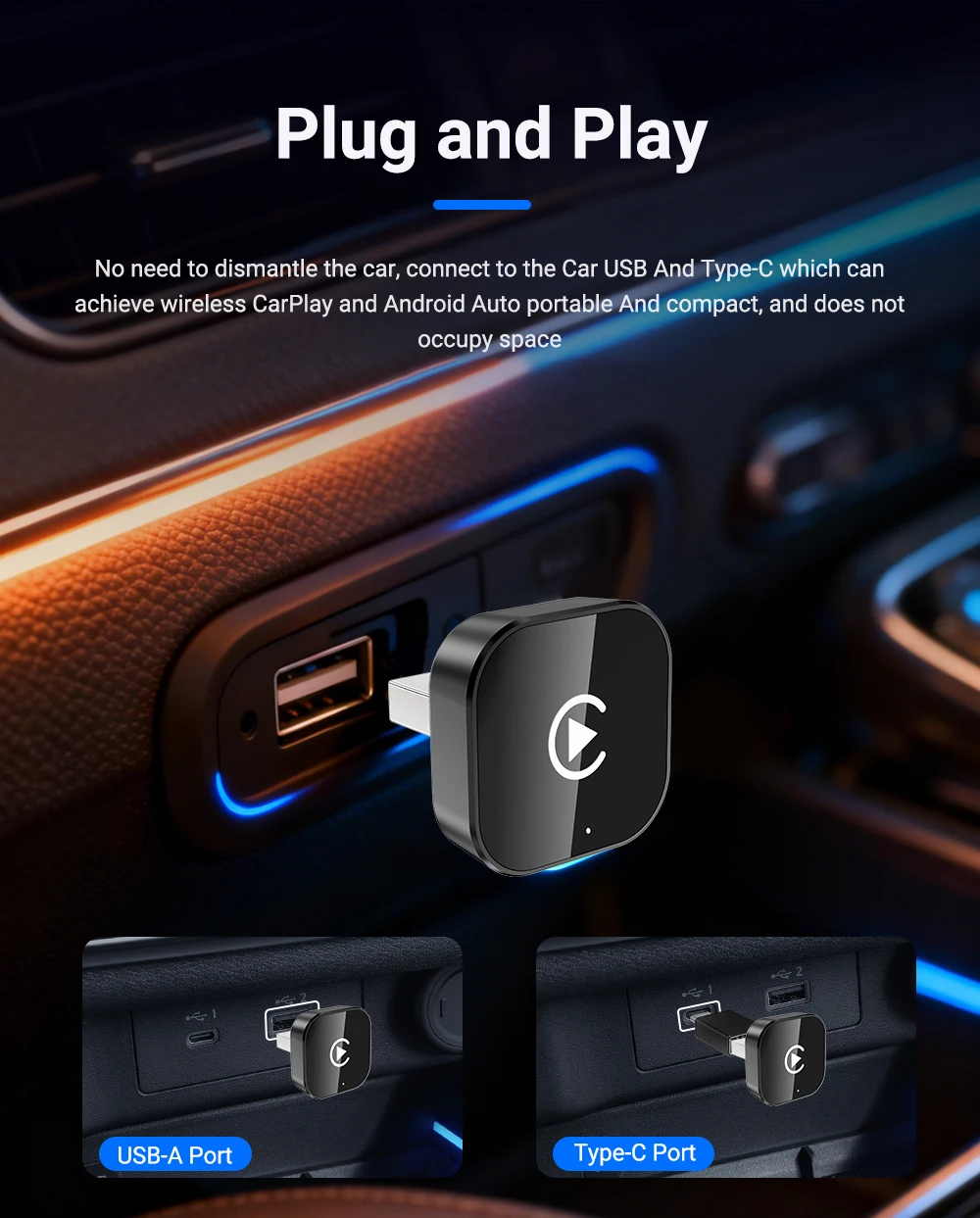
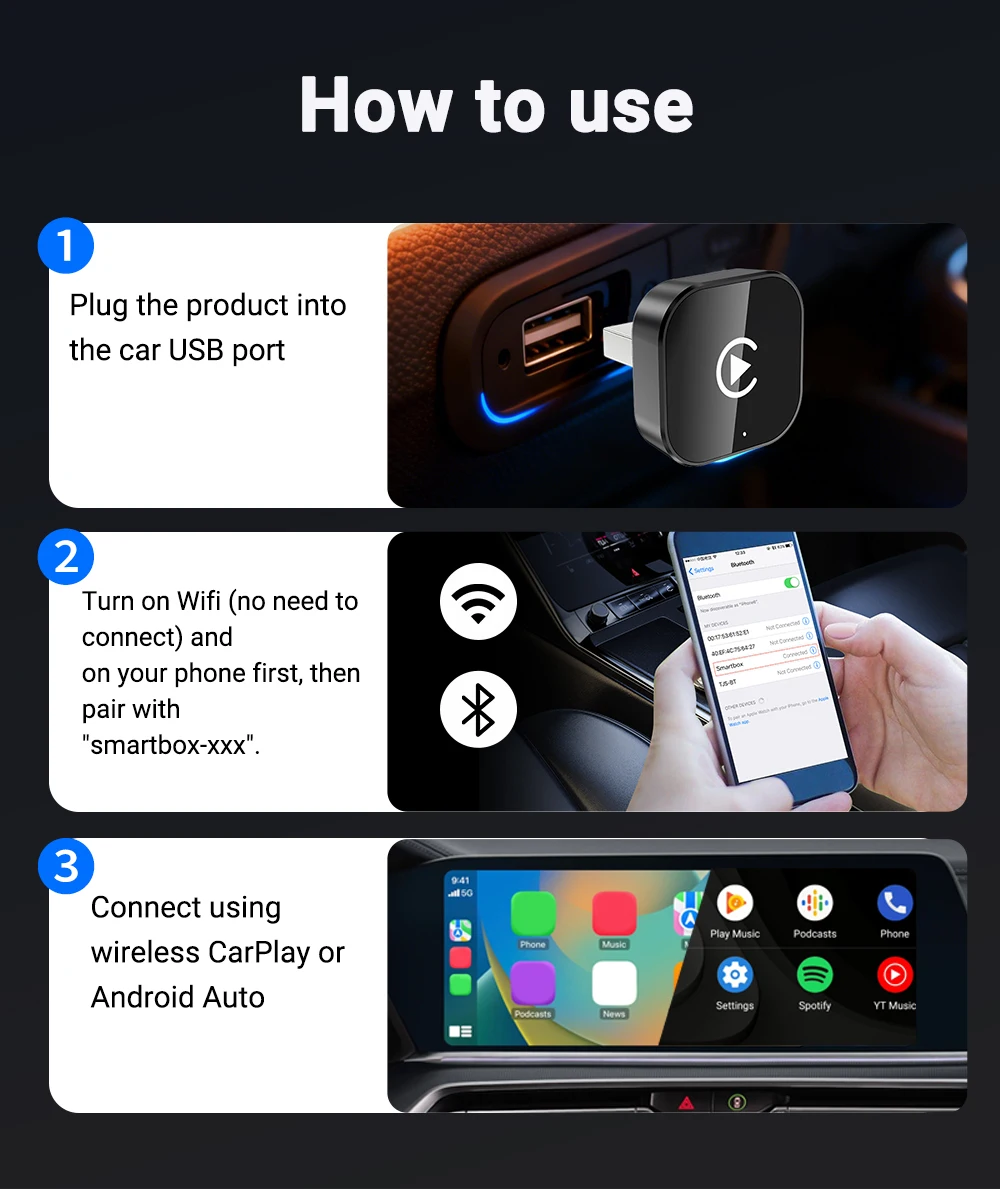
1. Connect the USB box to the car USB
2. Check the Bluetooth name "Smart Dongle-XXXX" that appears on the car
3. Turn on the phone's WIFI and Bluetooth, and use the Bluetooth pairing device name.
��How to use wireless Android Auto?
1. Connect the USB box to the car USB
2. Check the Bluetooth name "Smart Box-XXXX" that appears on the car
3. Turn on the phone's WIFI and Bluetooth, and use the Bluetooth pairing device name.
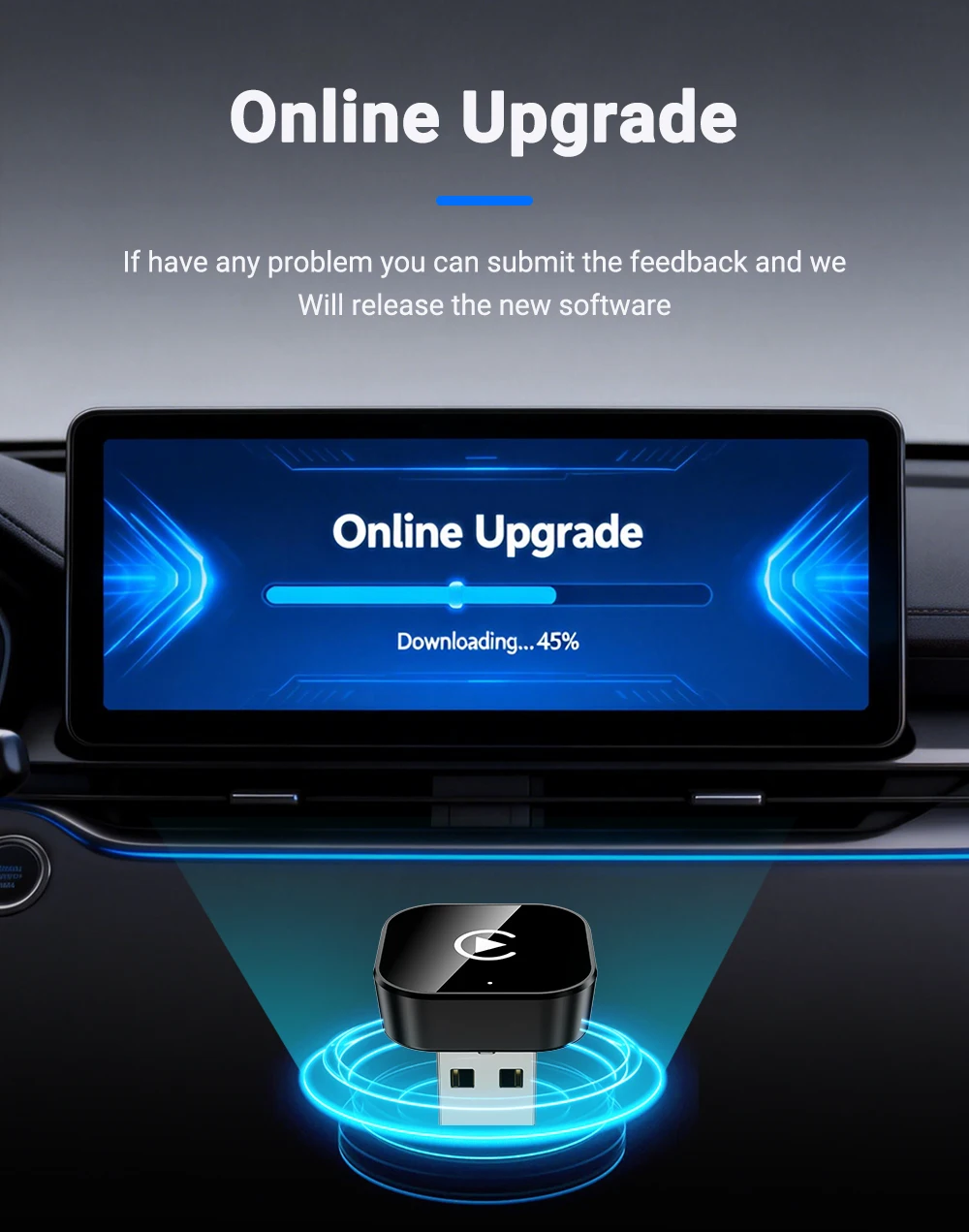
��FOTA
��What is the WiFi password for the Wireless Carplay Adapter?
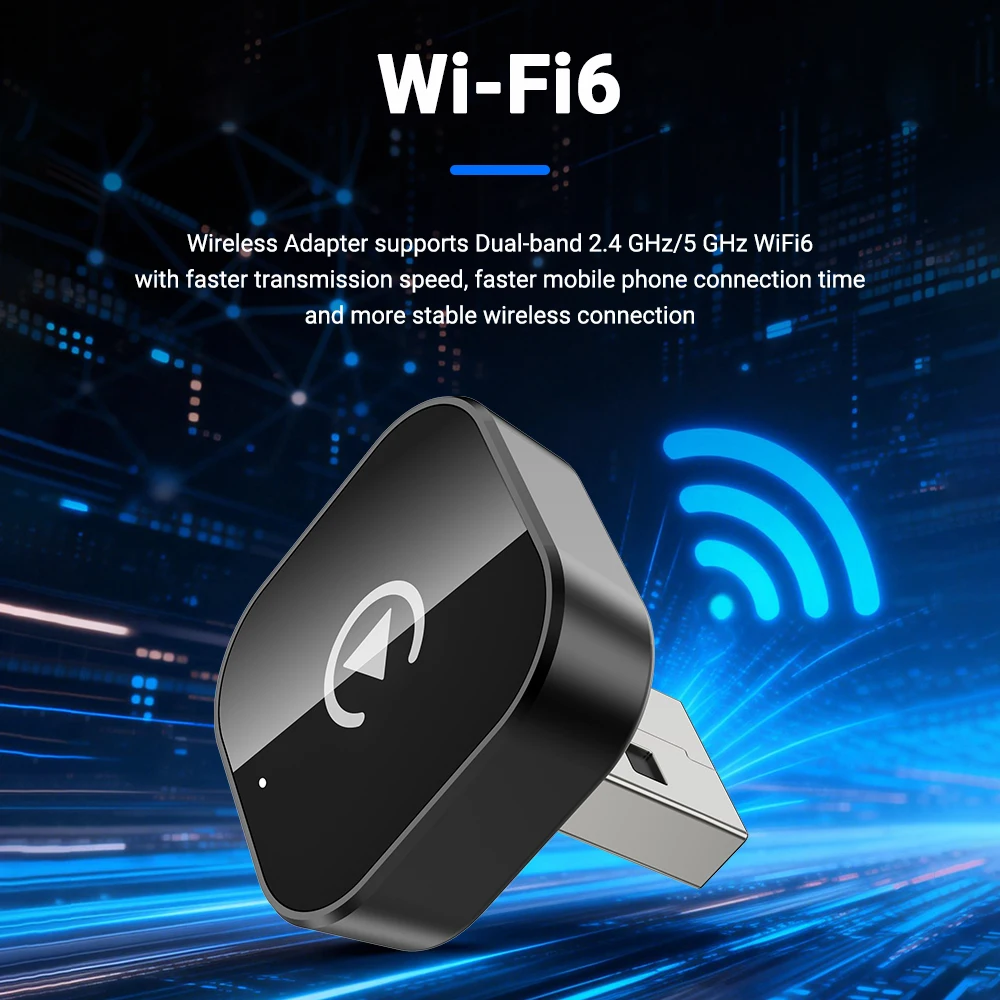
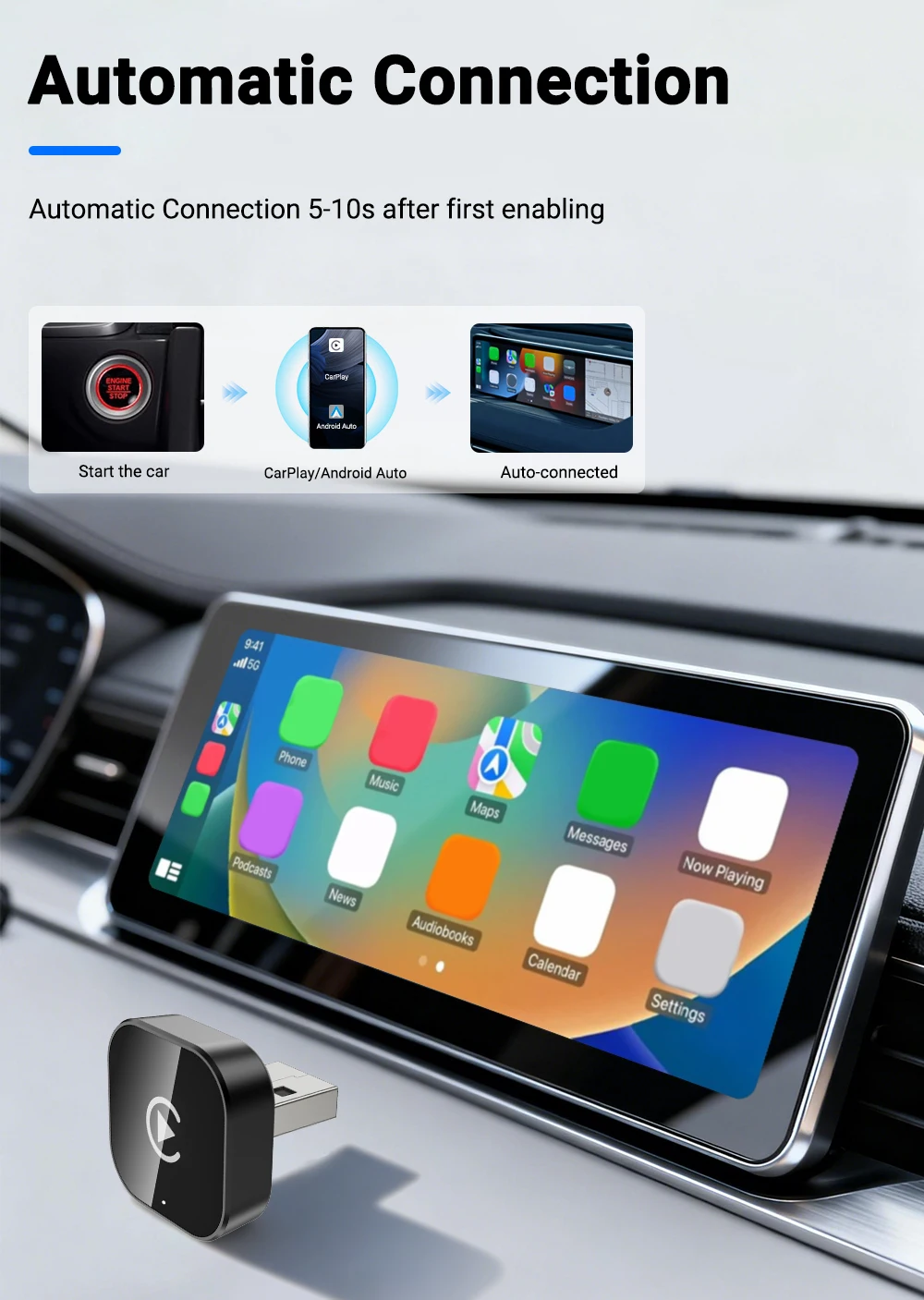
we need to connect the bluetooth,not Wi-Fi.After Bluetooth matchingis successful,WiFi will automatrcally connect.So no need Wi-Fi password.Make sure your Wi-Fi isturned on and unoccupied when pairing
��After bairing Android Auto adapter, can not start android Auto function or compatible/can n&:recognize the USB...
1.lf yourr use the android auto function for the firsttime,please use your data cable to connect your phone to activate android auto through a wired method.
2.Please check if the iphone/Android smartphone's Bluetooth connect to other devices such as Earphone.watch.....If so, please disconnect other auto-connect-ed Bluetooth devices.
3.When on a call, check that your "Audio" output optionis Carplay/Android Auto.
��Audio input or output issues :calls rejected orforwarded to voicemail/ no play sound/microphone not working/music playback in.terrupted or paused /voice functioning abnormally..
1.Please check if the iphone/Android smartphone's Bluetooth connect to other devices such as Earphone,watch....If so, please disconnect other auto-connect-ed Bluetooth devices.
2.When on a call, check that your"Audio" output option is Carplay/Android Auto.
��The indicator light of theadapter is still onafter the car is turned off.
Since all power is not cut off immediately when the car is turned off, the light of the adapter will not go out immediately, but it will take a while. Please rest assured that its power consumption is extremely low and will not drain the battery.
��When use the wireless carplay Android Auto Adapter whether Mobile Phone can use other internet wifi.
When enjoying the wireless android auto adapter function, the phone's WiFi will be occupied by the adapter, So you can not use other internet at the same time, You only can use your phone SIM card in-ternet.
��Unable to automatically reconnect
1.Please make sure that the Bluetooth and WiFi functions of your mobile phone are turned on and the Bluetooth is not occupied when you get in the car,
2.Clear the pairing record ,restart the phone and repairthe Adapter again.
��Can the adapter be paired with multiple phones?
The adapter can be paired with maximum five phones but only one device can be connected at a time if you would like to pair it with a new phone ,please cancelthe current connection first. Please note, by Bluetooth function default ,the adapter's system will only au-to-connect back to the last used phone.
��Can't find the bluetooth and Wi-Fi of the wireless Carplay Android Auto Adapter ?
1.Please make sure wireless Carplay Android auto adapter power indicates blue light is on and Be sure plug the adapter into the port that is for wired car-play/ Android auto.
2.If convenient,Please test it with another Phone. If only a specific phone cannot find the Bluetooth or Wi-Fi of the adapter please try to reset the net work and bluetooth settings of this Phone and then restart the phone once,if the same problem happens on other Phone,lt will be defective,please let us know.
Total
£20.04
