FikFis
Free UK delivery on orders over £50 · Same-day dispatch before 2pm · 30-day returns · Free UK delivery on orders over £50 · Same-day dispatch before 2pm · 30-day returns
Get the FikFis App
Secure Payments
SSL encrypted checkout
Free Delivery
On orders over £50
Easy Returns
30-day return policy
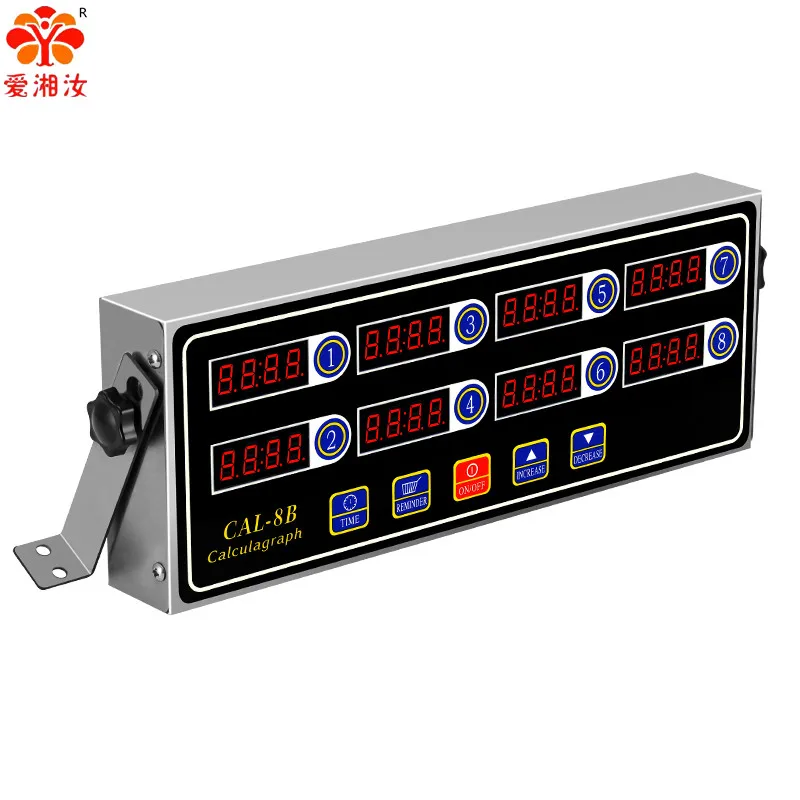
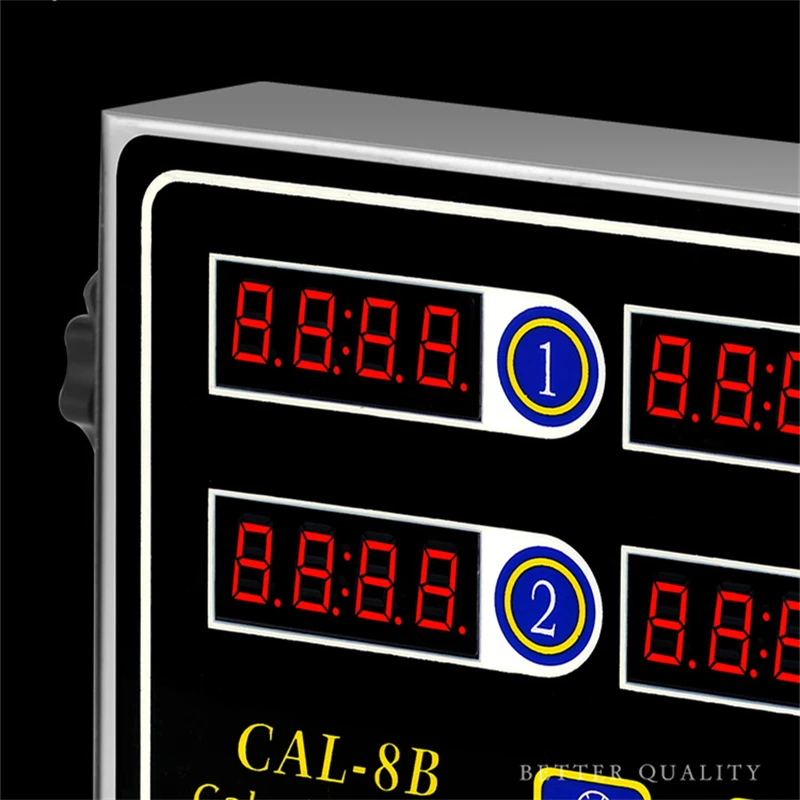
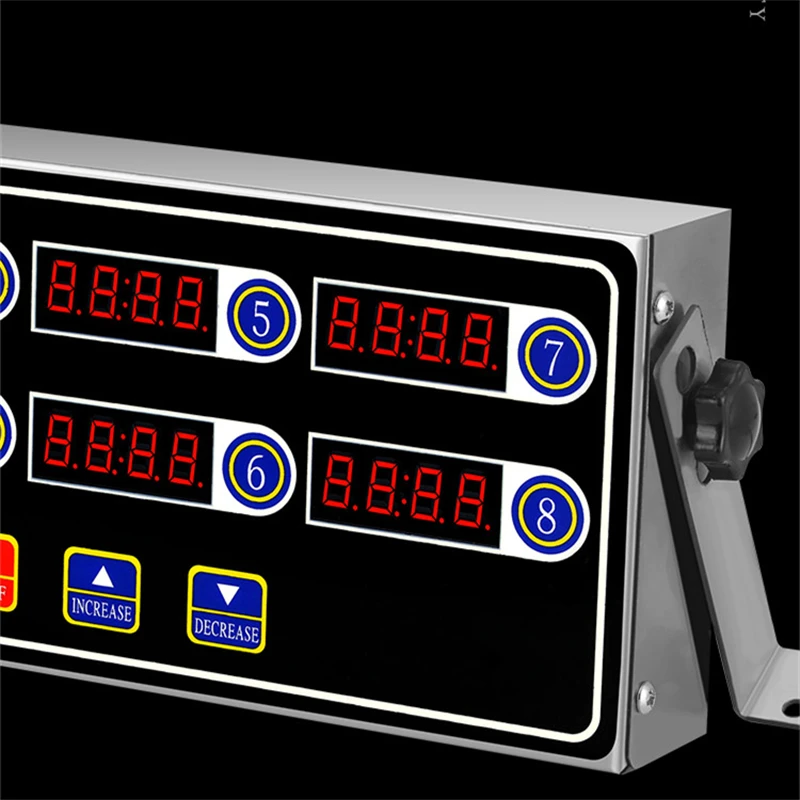
Easy to Read Display
The clear, easy-to-read display ensures quick and accurate time setting, enhancing kitchen convenience.
Metal Construction
Crafted from durable metal, this timer clock offers longevity and reliability in daily use.
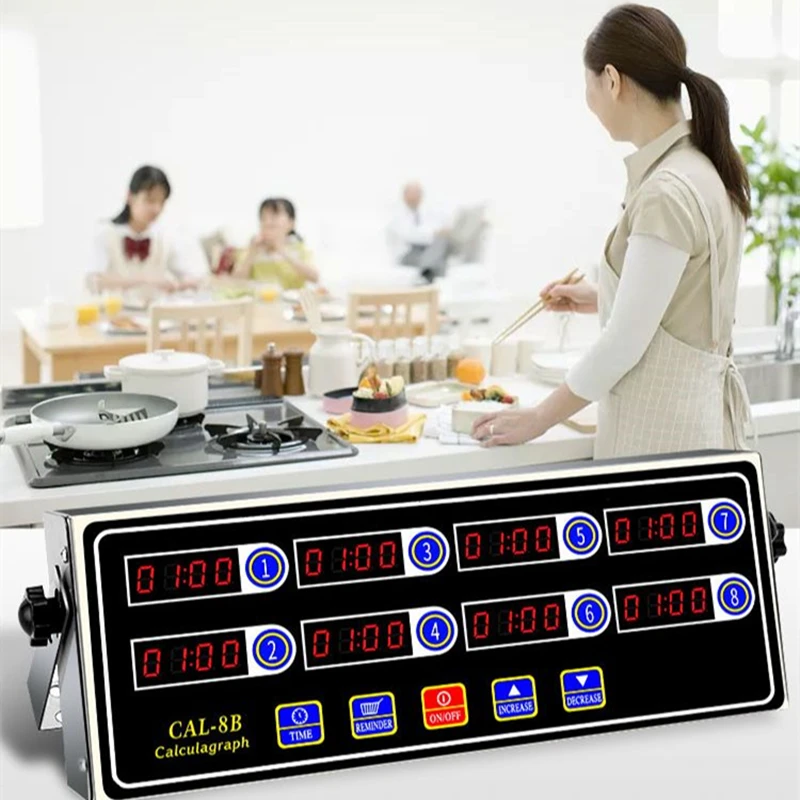
Multi-Channel Capability
With four channels, manage multiple cooking tasks simultaneously, optimizing kitchen efficiency.
shake-to-remind Feature
Never miss a cooking deadline with the shake-to-remind feature, gently alerting you when time's up.
Digital Timer Function
Effortlessly set precise cooking times with the digital timer function, ensuring meals are prepared to perfection.
Shake the basket to remind
Voice is adjustable
Waterproof button
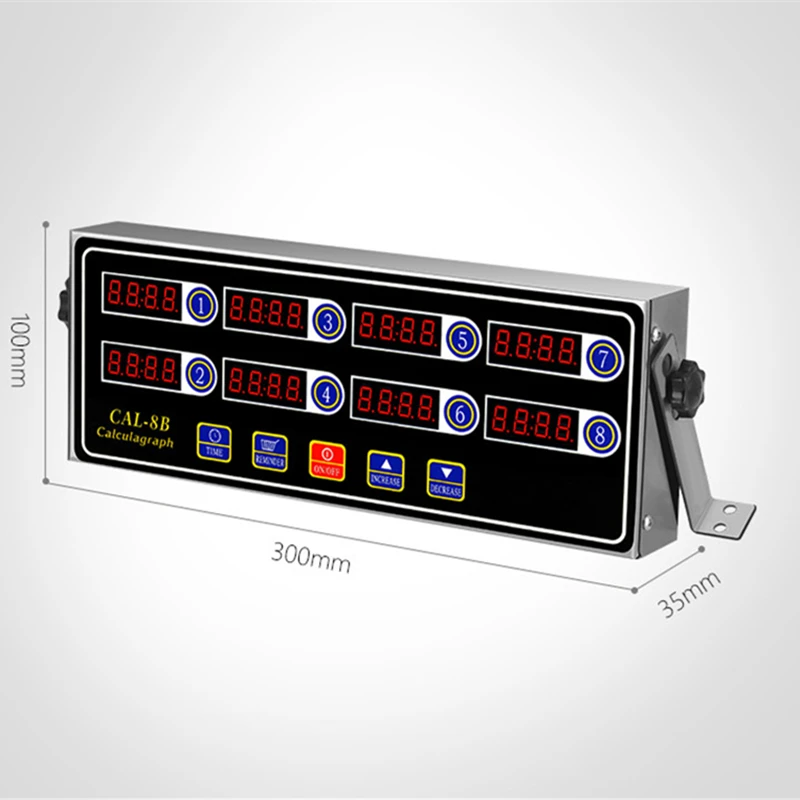
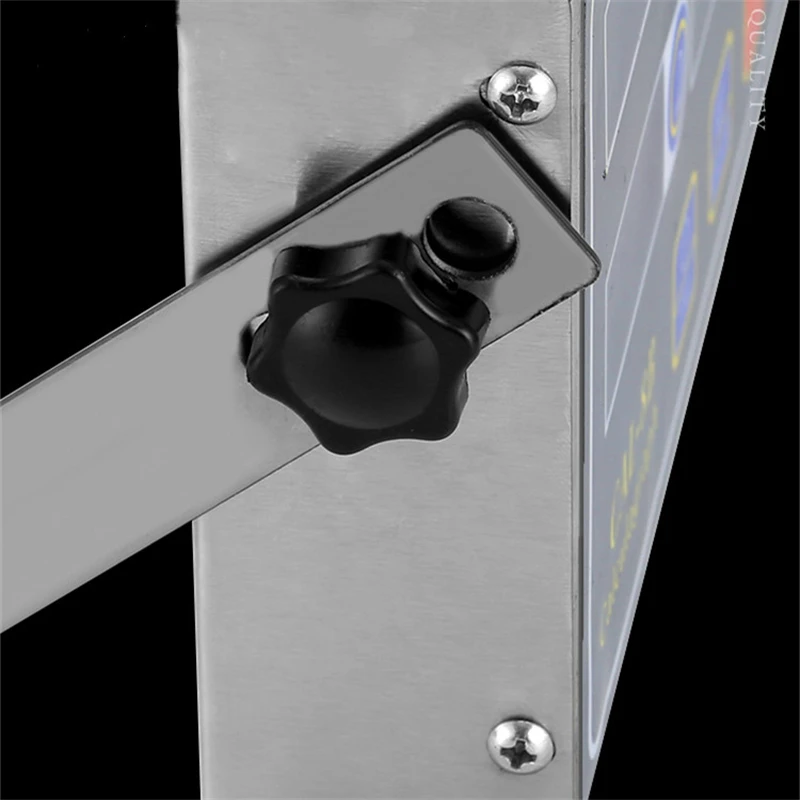
The placement position is adjustable
Method of operation:
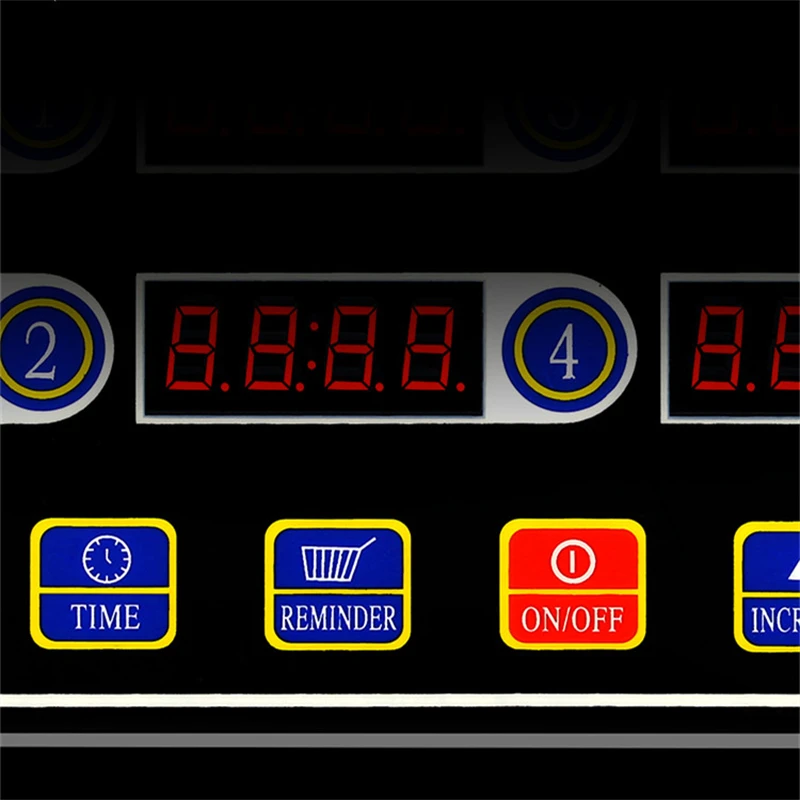
1. hold down the setting key and END will appear.
2.Press the number key 1 of the channel you want to set,
3.Use the up and down keys to adjust the time to adjust the number of seconds, and then press the channel number key to jump to the number of minutes.
4.Press the setting key to save and exit
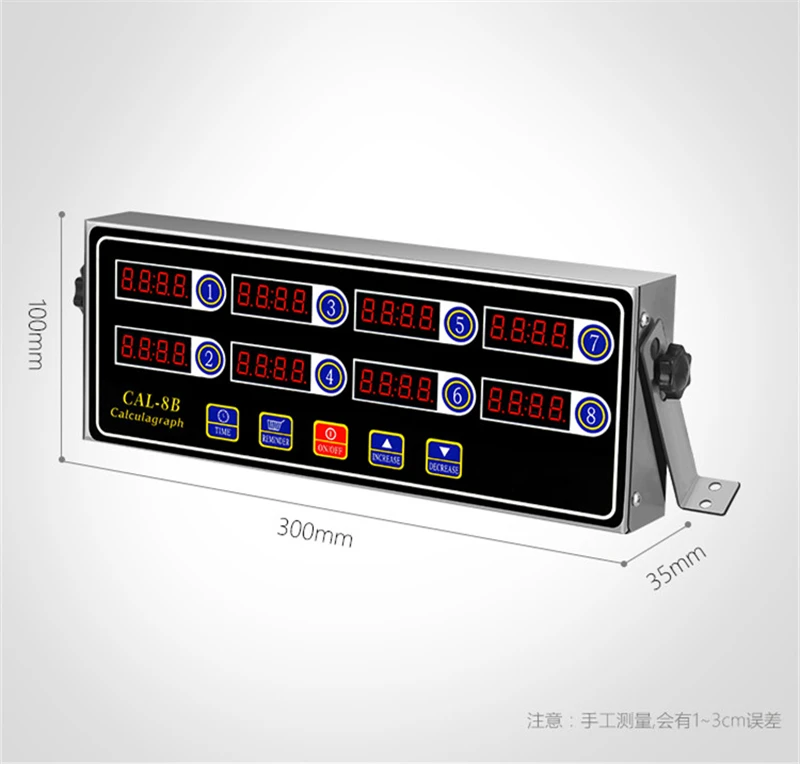
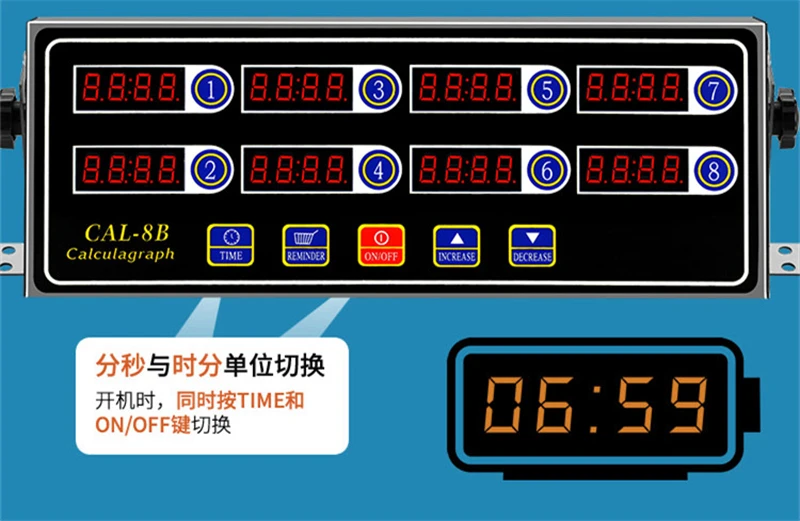
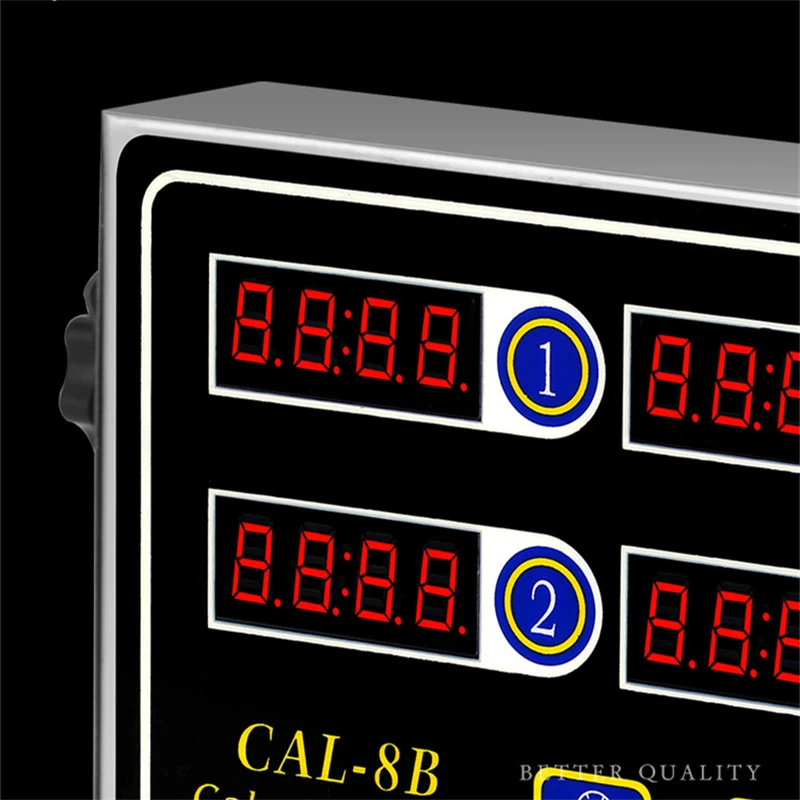
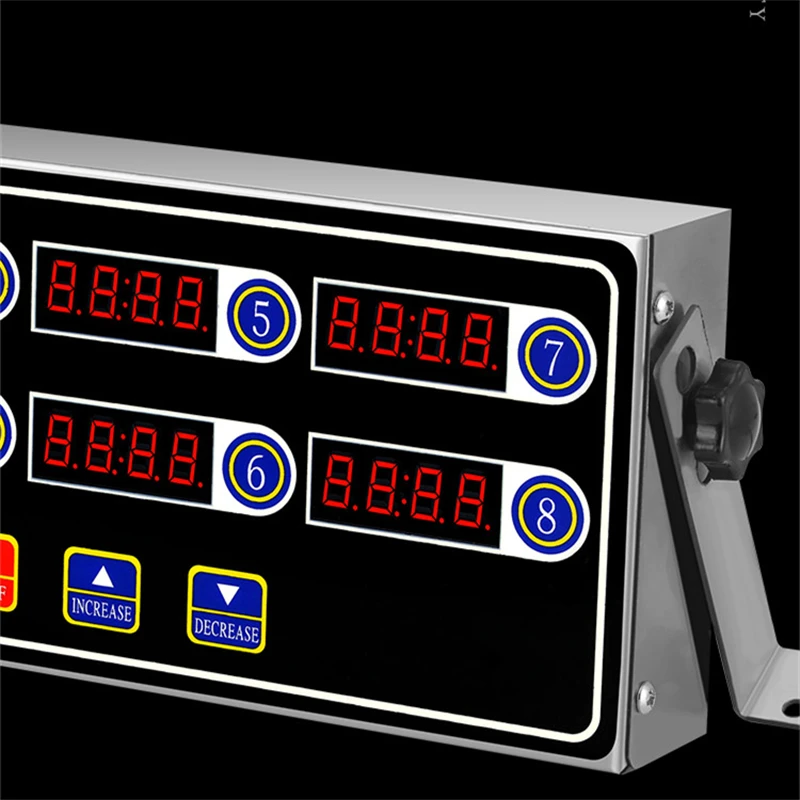
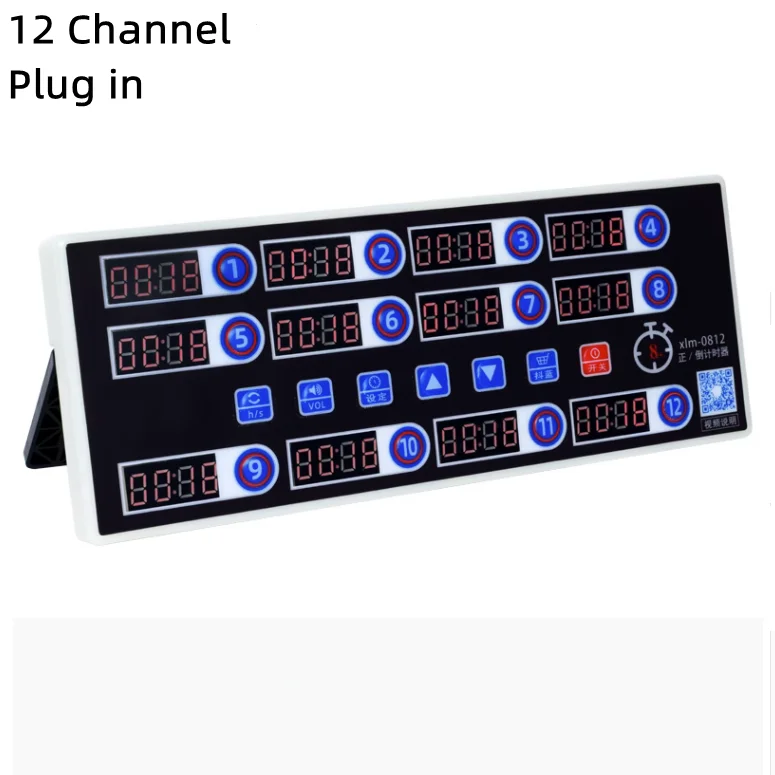
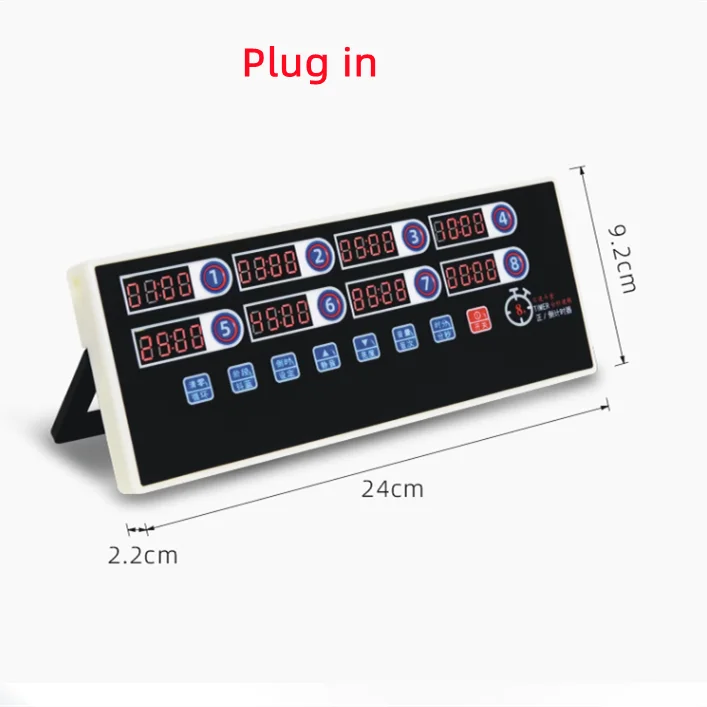
Plug-in
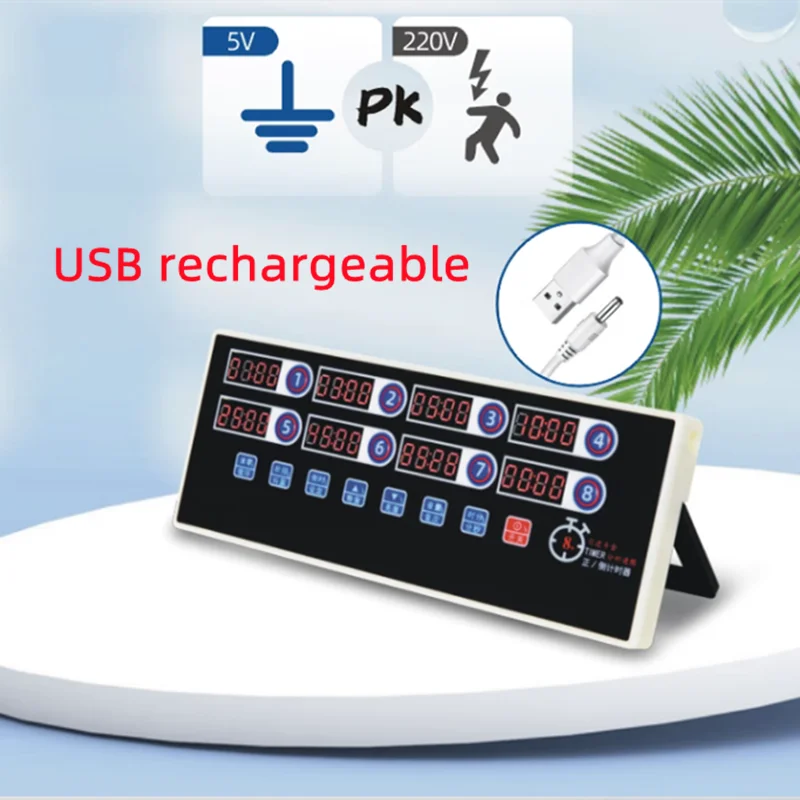
USB rechargeable
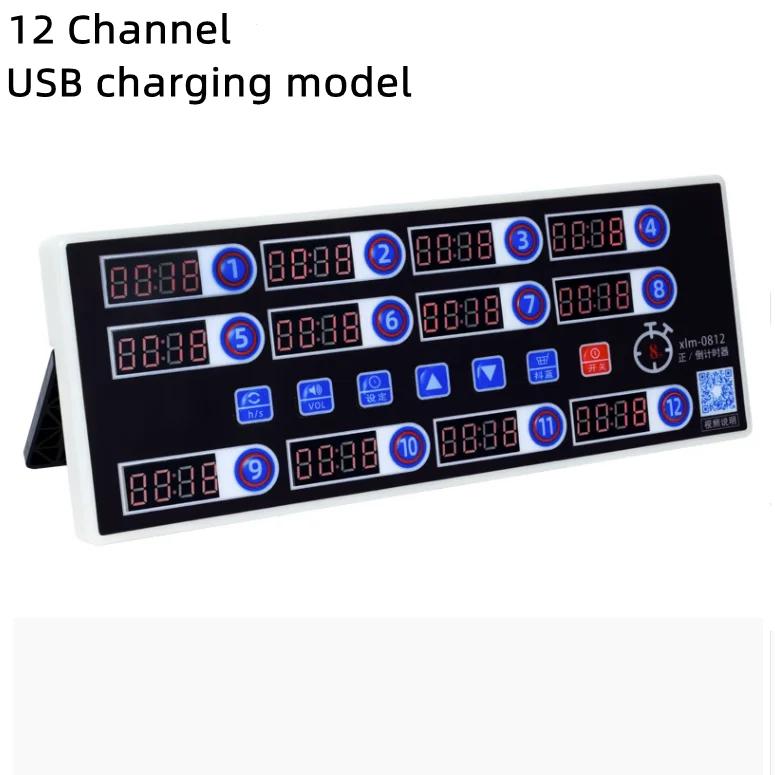
Usage:
1. Operation steps of switching machine
When the power is plugged in, press the red power button. If you need to shut down, press the red boot button has been holding on for about 3 seconds to shut down
2. Time adjustment of eight channels
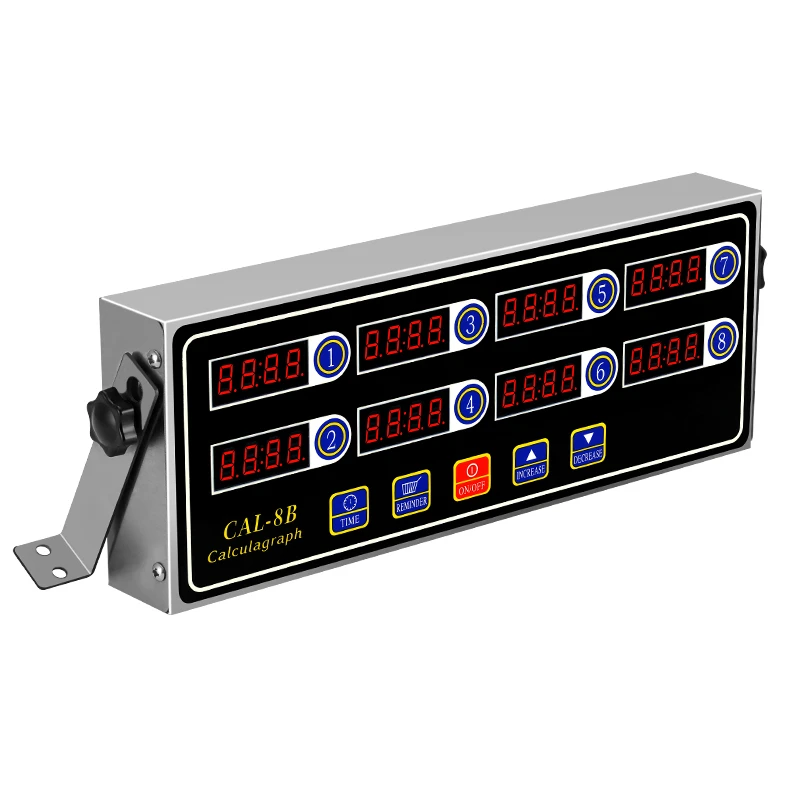
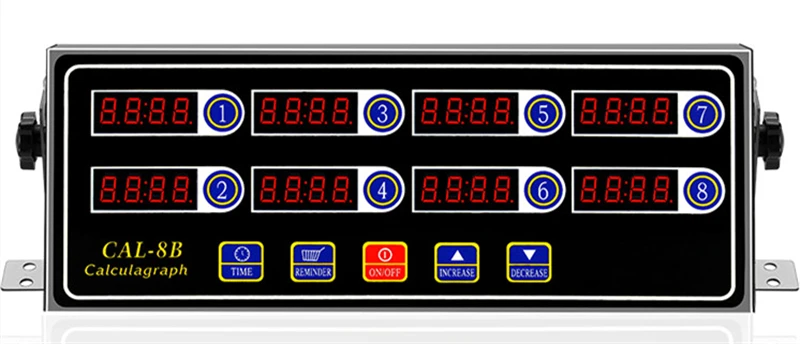
Press the red power button first, and then press the TIME key. After the display displays END, if you need to adjust the TIME of channel 1, press the 1 button and then 1. All the 4 values on the display are flashing, then hold the up arrow button and hold it still until the time you need to set can be increased (when the seconds are increased to 59 seconds, the time of the first minute will be added 1). If you need to set other channel time, it is the same as the operation steps of key 1. When all the eight channels have been set, and then press the TIME button, exit the setting program and have stored the set TIME.
3. Set the three-stage reminder
For example, we set the time for channel 1 to be 1 minute. But we want him to remind us three times in less than a minute. Like want to remind us in 20 seconds, 30 seconds, 40 seconds. Then we press the red boot button, boot, and then press the iReminder button, then eight channel display all displayed as AL-1, and then press the 1 key, the four values of the 1 key will all flash, and then have been pressed up the arrow does not let go increase to the 20 we need to set, and so on.After eight channels are set, and then press the Reminder button, the display shows AL-2, and then enter the second REMINDER setting, according to the operation steps, eight channels are all set after 30 seconds, and then press the RemindBr key after entering the third REMINDER setting, according to the operation steps before eight channels are set to 40 seconds, Click Reminder again to exit the Settings for the blinking REMINDER. The system will store the value you just set by default after exiting the phase reminder program. (After the blue shaking alarm, you must press the button of the channel that reminds you again, otherwise the machine will always alarm.)
4. About the conversion between minutes and hours (this timer can be set up to 99 minutes per minute, after converting to hour program can be set up to 99 hours)
When off, press the TIME key first, and then press THE ON/OFE key simultaneously. Then the eight channel panels display 0-5, which indicates that the timer is timed in minutes. If you need to convert to hours, press 1-8 channels once and the eight channels panel will be displayed as H-0. Display this reminder that it has been changed to an hour timer. Then press the down arrow button to exit the setup program and save it as an hour timer (then press instruction 3 on each channel to set the time you need.
5. Steps for adjusting the size of sound
Press the red power button first, then press the up/down arrow button, and the number 5 will appear. Native biggest sound set value is 5. If you want to let down, need to press the down arrow to adjust value can (the machine can also rotate from behind the black cylinder to adjust sound size, the machine has two at the back of the round hole, a large, a small holes, there is a black cylinder, available after flat mouth screwdriver into rotation)
6. After all the time of operation has been set. To get the timer running, just press the buttons 1-8 you want to use and it will work
Total
£27.86
