Secure Payments
SSL encrypted checkout
Fast Delivery
Delivered Across the UK
Trusted Shopping
Simple & Secure

Total
£11.99
NOTE:
1.This the China version, please change the region of Mi Home APP to "China" before use.
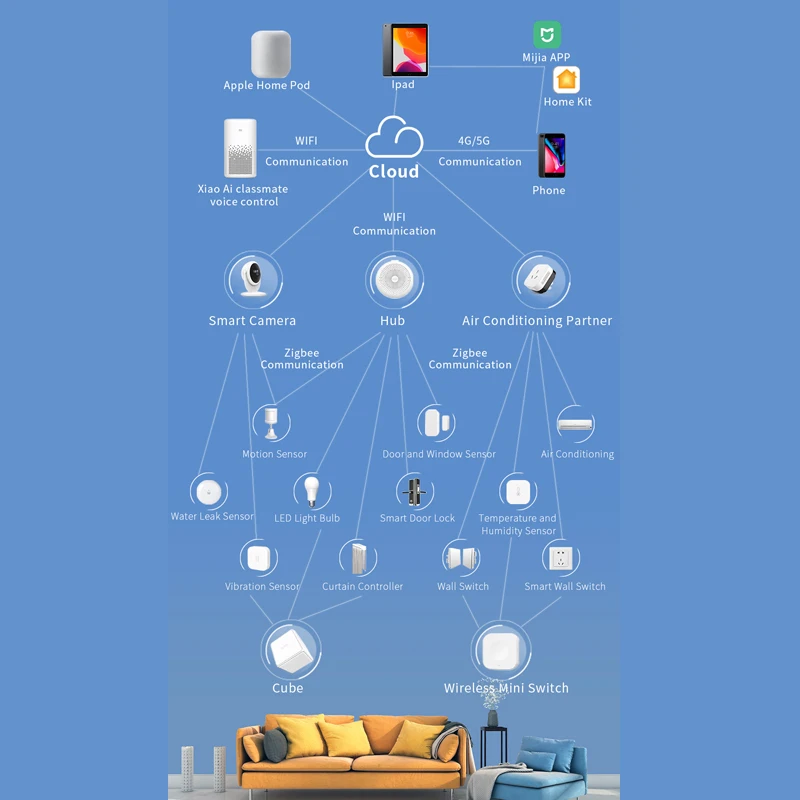
2.This product needs to match Aqara gateway or For Xiaomi Mijia smart multimode gateway to be compatible with Apple HmoeKit;

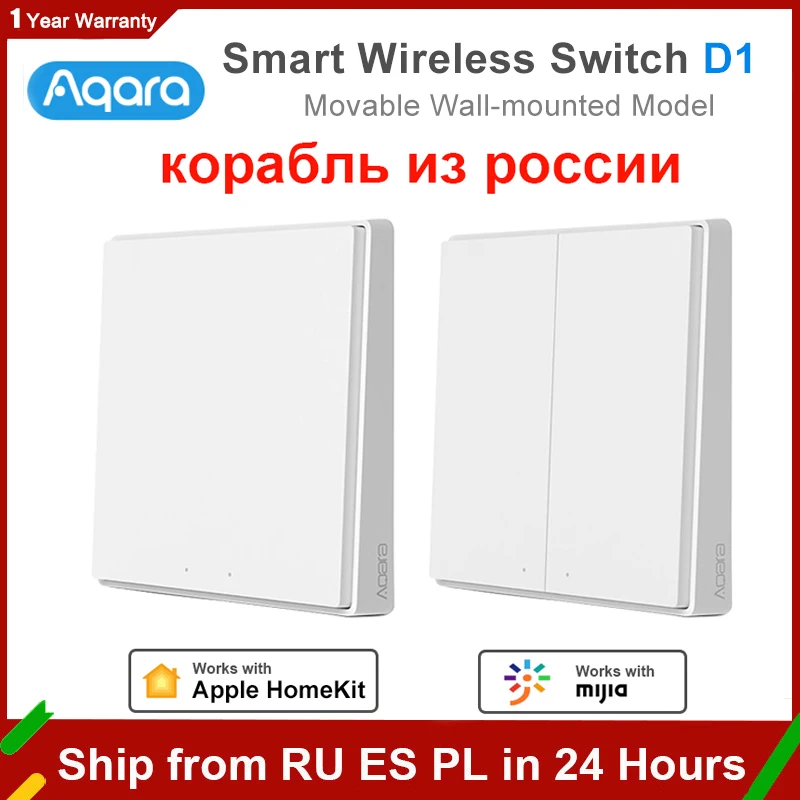
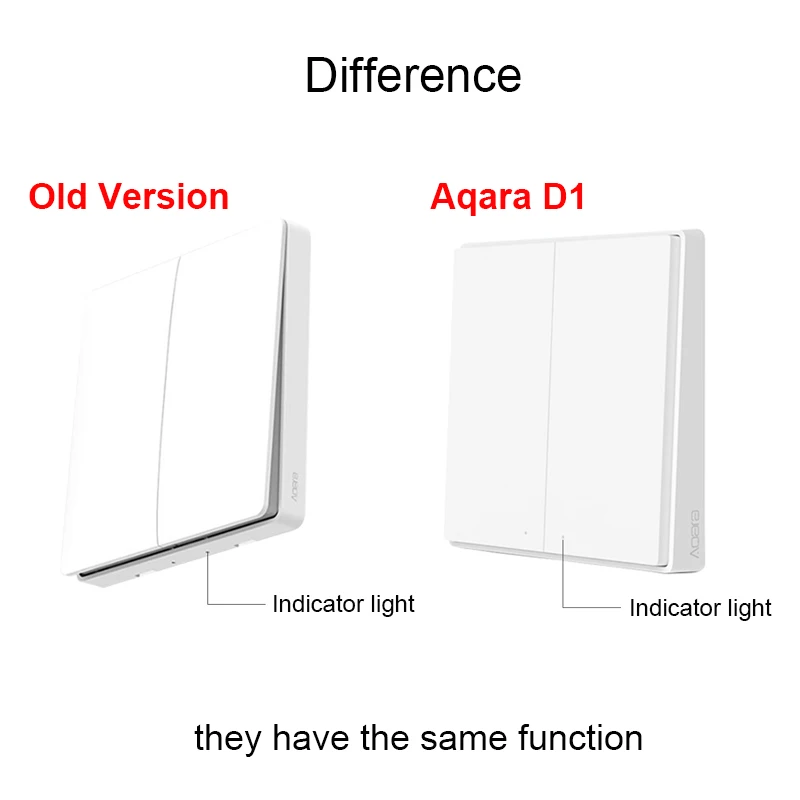
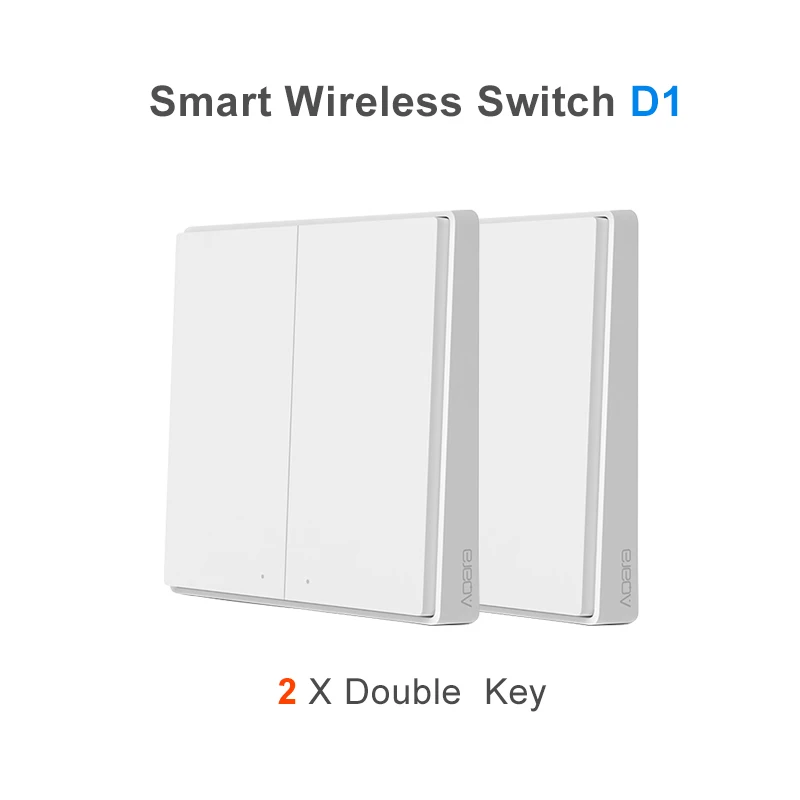
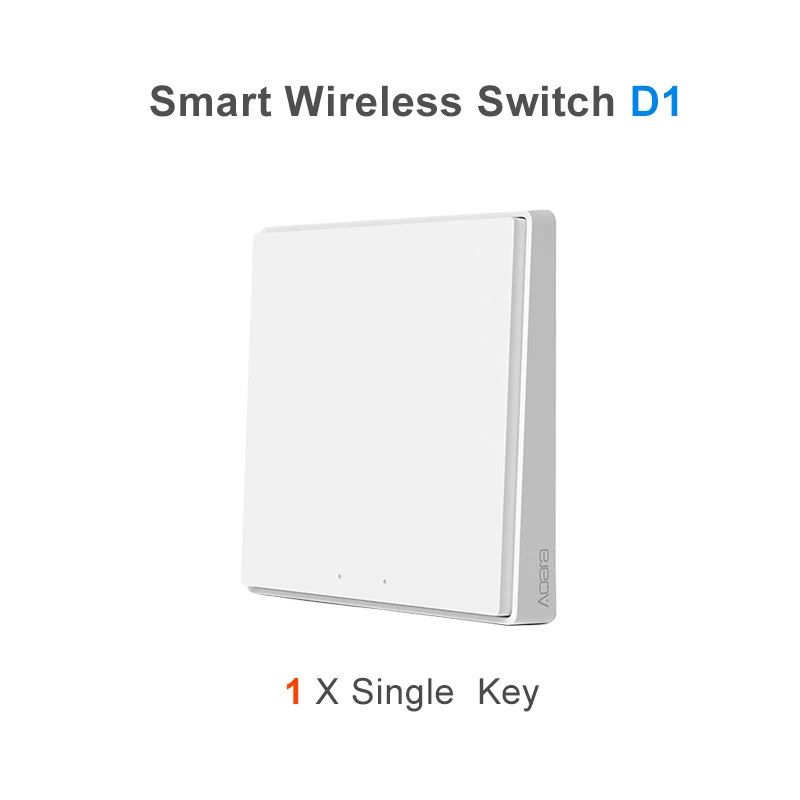
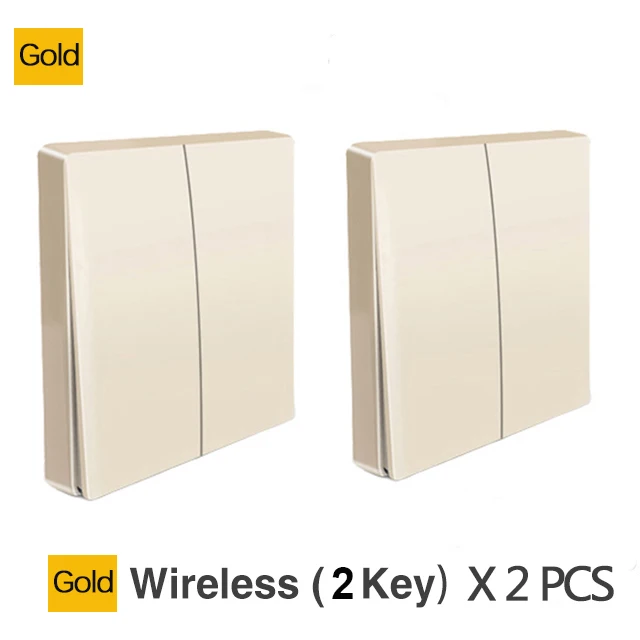
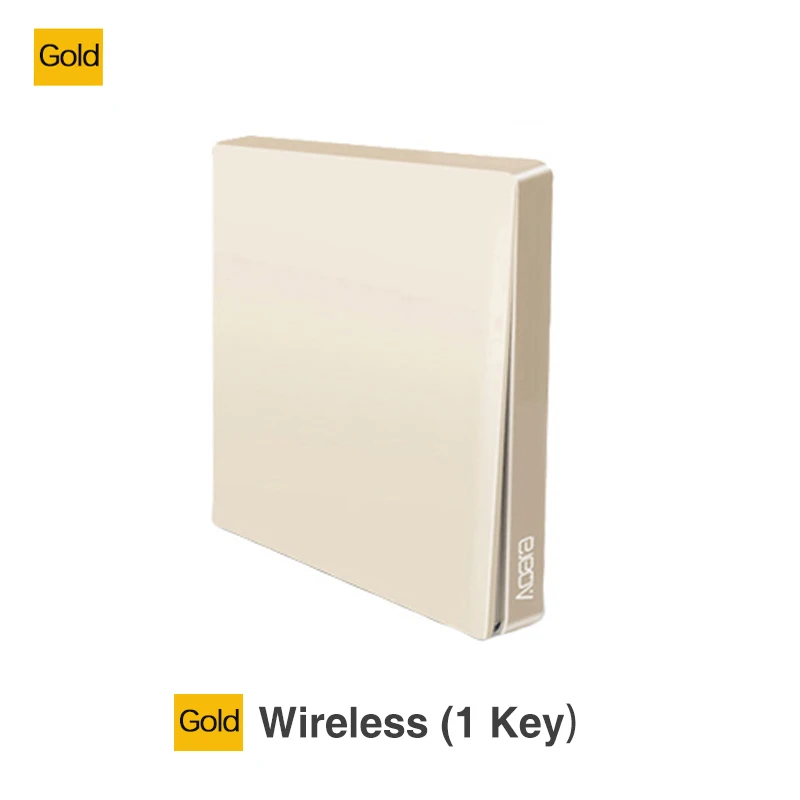
2020 Newest Original Aqara Wireless Wall Switch D1 Movable Smart Light Remote Control ZigBee Wireless Wall Switch For Mijia Mi Home APP

NOTE:
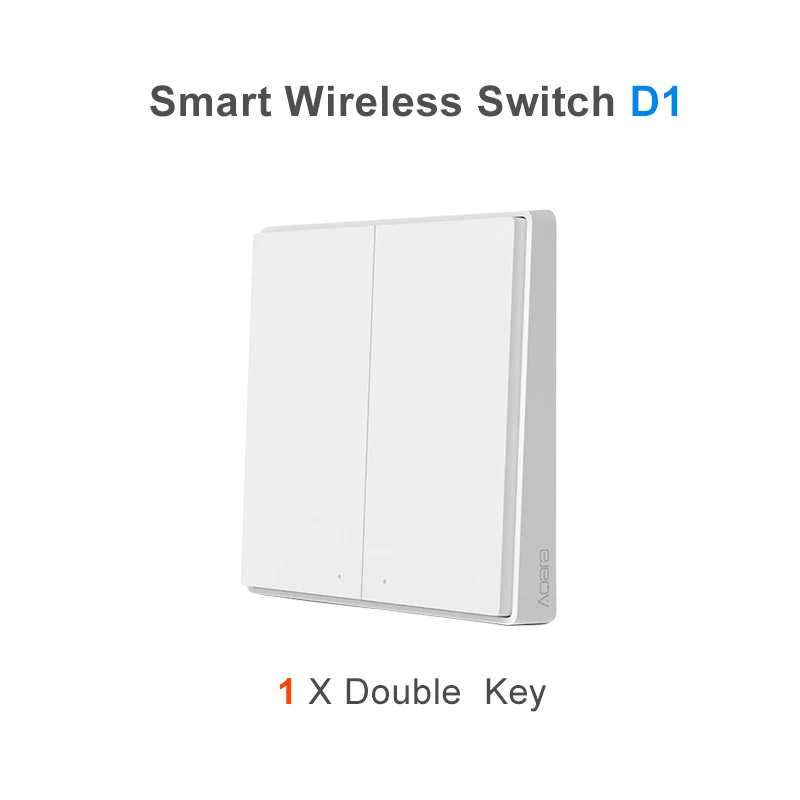
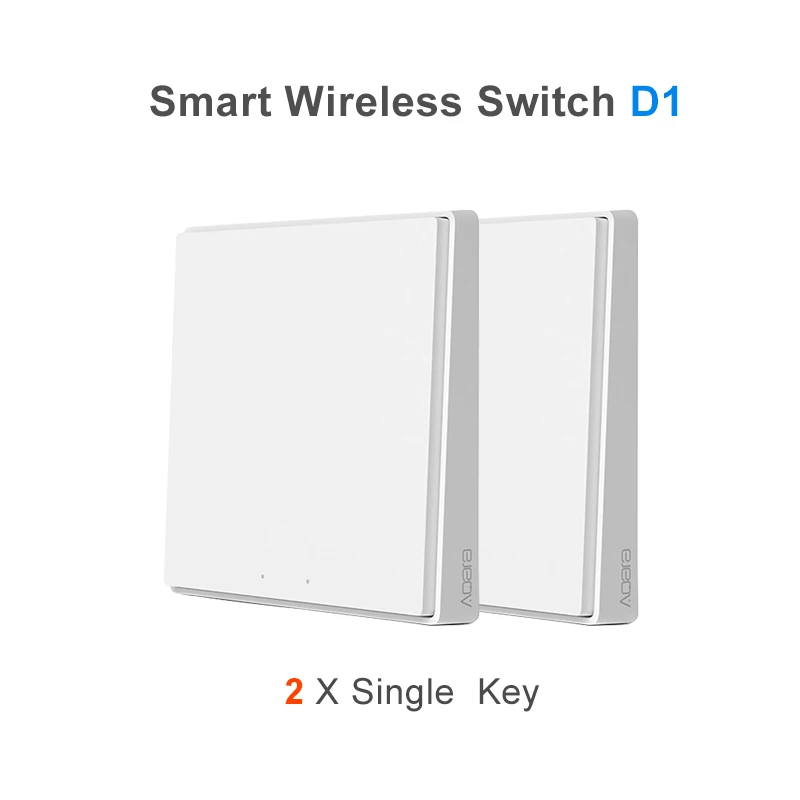
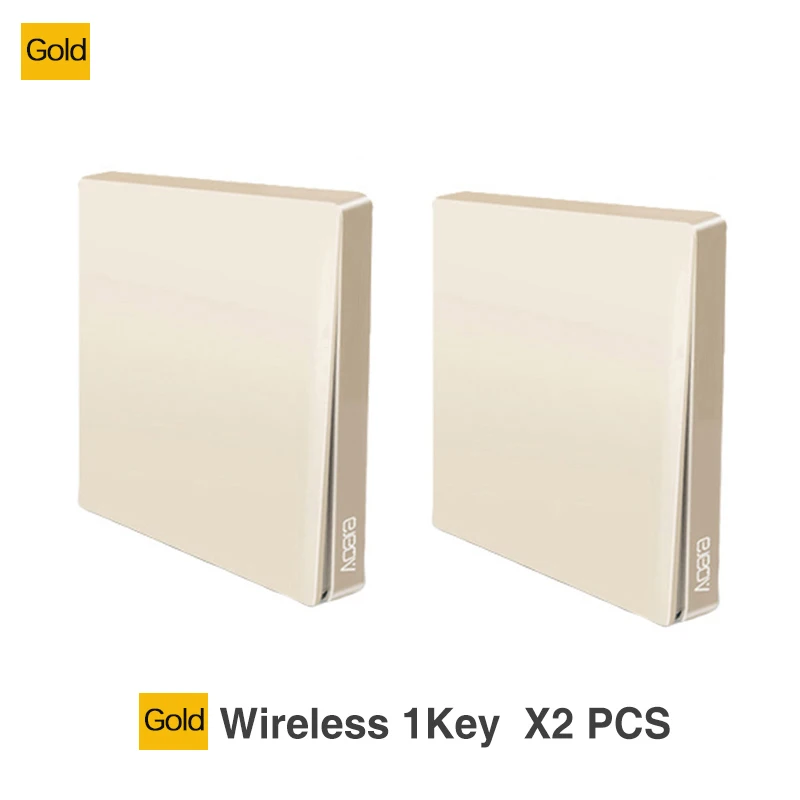
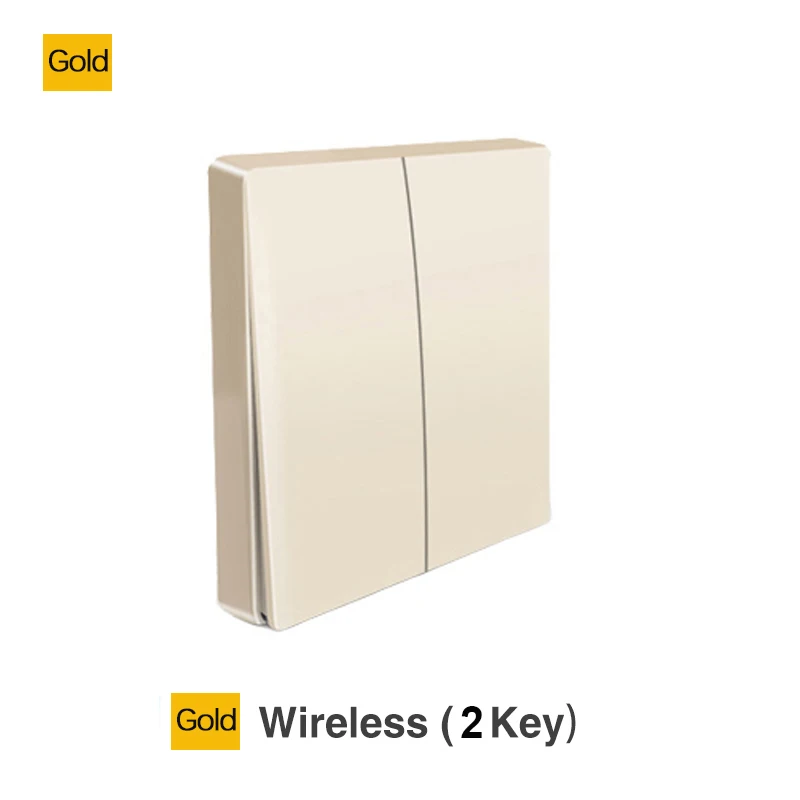
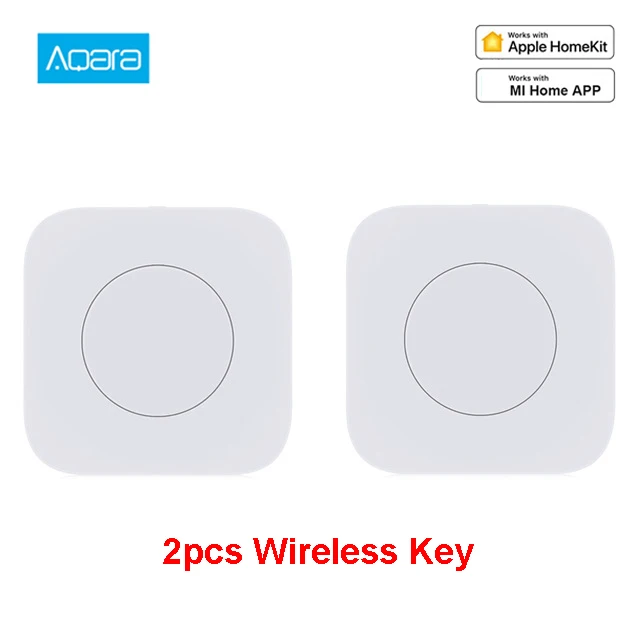
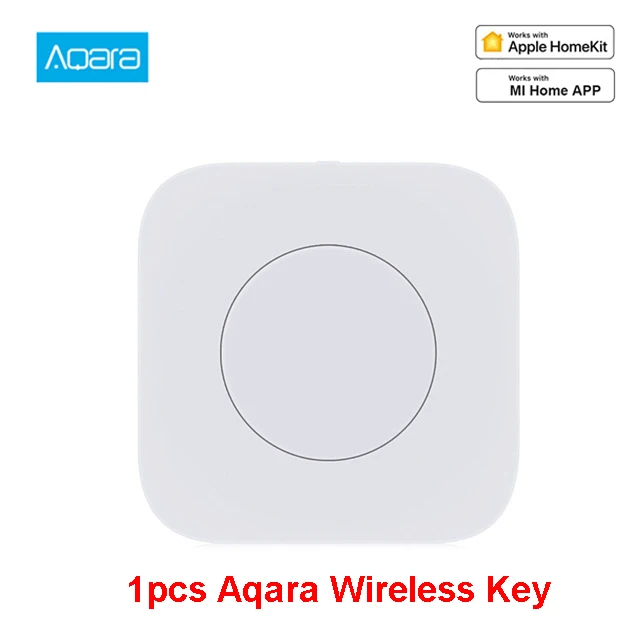
1.This listing sell two products,D1 Wireless Switch and Wireless Key
please choose the goods you need to make a order,thank for your cooperation.
2. This product is the Xiaomi eco-system product without Xiaomi logo, its quality is certified by Xiaomi. Please pay attention before buying.
3.This product needs to match Aqara gateway or Xiaomi Mijia smart multimode gateway to be compatible with Apple HmoeKit;

Advantage:


What is the function of wireless switch D1 (wall-mounted)?
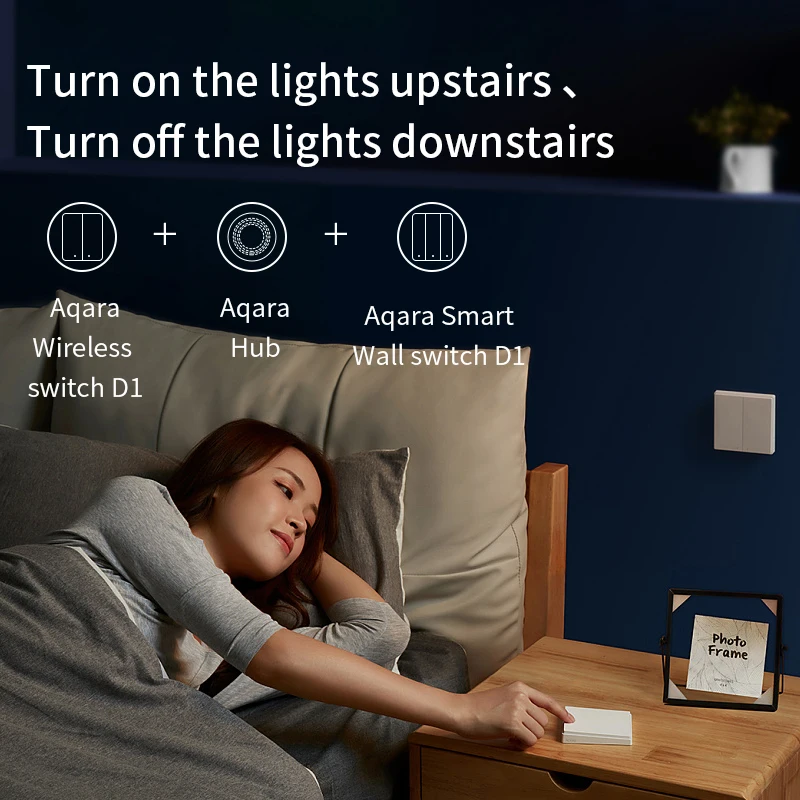
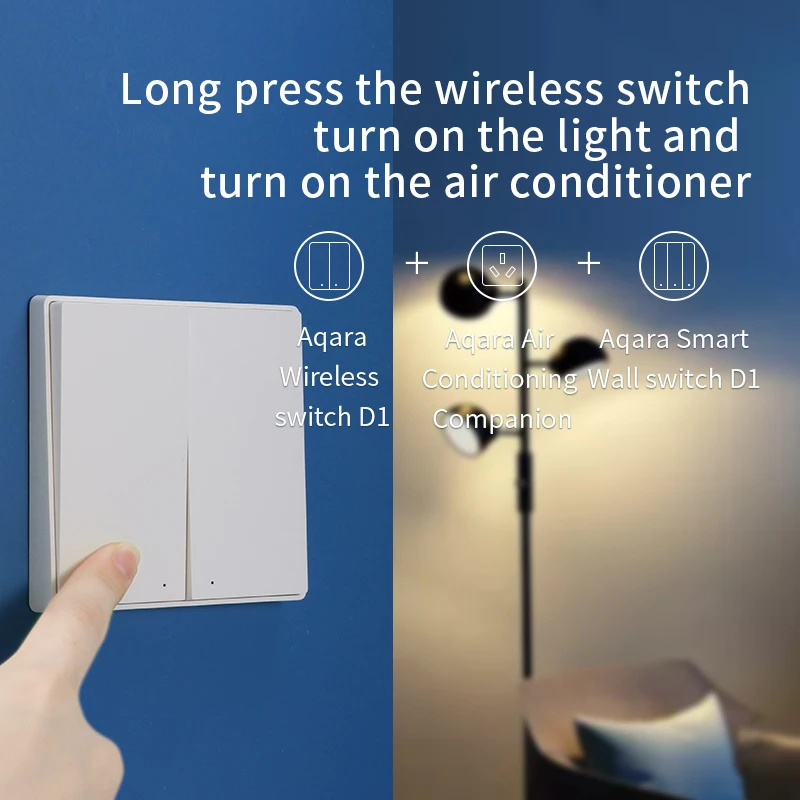
Wireless switch D1 (wall mounting type) supports click, double-click and long press actions. Corresponding actions can be selected as required to conduct linkage control with other intelligent devices.
Installation position and precautions of wireless switch D1 (wall-mounted)?
The wireless switch D1 (wall mounted) can be pasted on the wall or placed on the desktop. Due to the weakening effect of metal on wireless signal, it is not recommended to install the wireless switch on the metal surface.
What is the maximum installation distance between the wireless switch D1 (wall-mounted) and the gateway?
Due to the different indoor environment, the communication distance between the wireless switch D1 (wall mounted) and the gateway is different. Generally, the communication distance between the two is less than 20 meters, and the effect is better when the middle is less than two walls
How to judge whether the connected wireless switch D1 (wall-mounted) can be used normally?
1. Click the key five times continuously, and the gateway will give a prompt sound "normal connection", which means that the wireless switch and the gateway are communicating normally; 2. If there is no prompt, move the switch closer to the gateway and try again, if there is still no prompt sound, the switch may have been deleted or the battery has been exhausted, please refer to the method of adding sub devices or replacing batteries to add new sub devices or replace new batteries; 3. Click several times, Then enter the main page of wireless switch in app, if there is any state change, it indicates that the device is working normally.
How to reset the wireless switch D1 (wall-mounted)?
1. If the device is not bound to any gateway, press and hold the device key for more than 10 seconds, the indicator light flashes 3 times, and the factory setting is restored. 2. If the device has been bound to any gateway, please use app to delete the device.
Wireless Key