Welcome Offer: 15% Off
Your Favourite Products, Delivered to Your Door | One Marketplace for All Your Everyday Needs
Shop & Earn Coins


Secure Payments
SSL encrypted checkout
Fast Delivery
Delivered Across the UK
Trusted Shopping
Simple & Secure
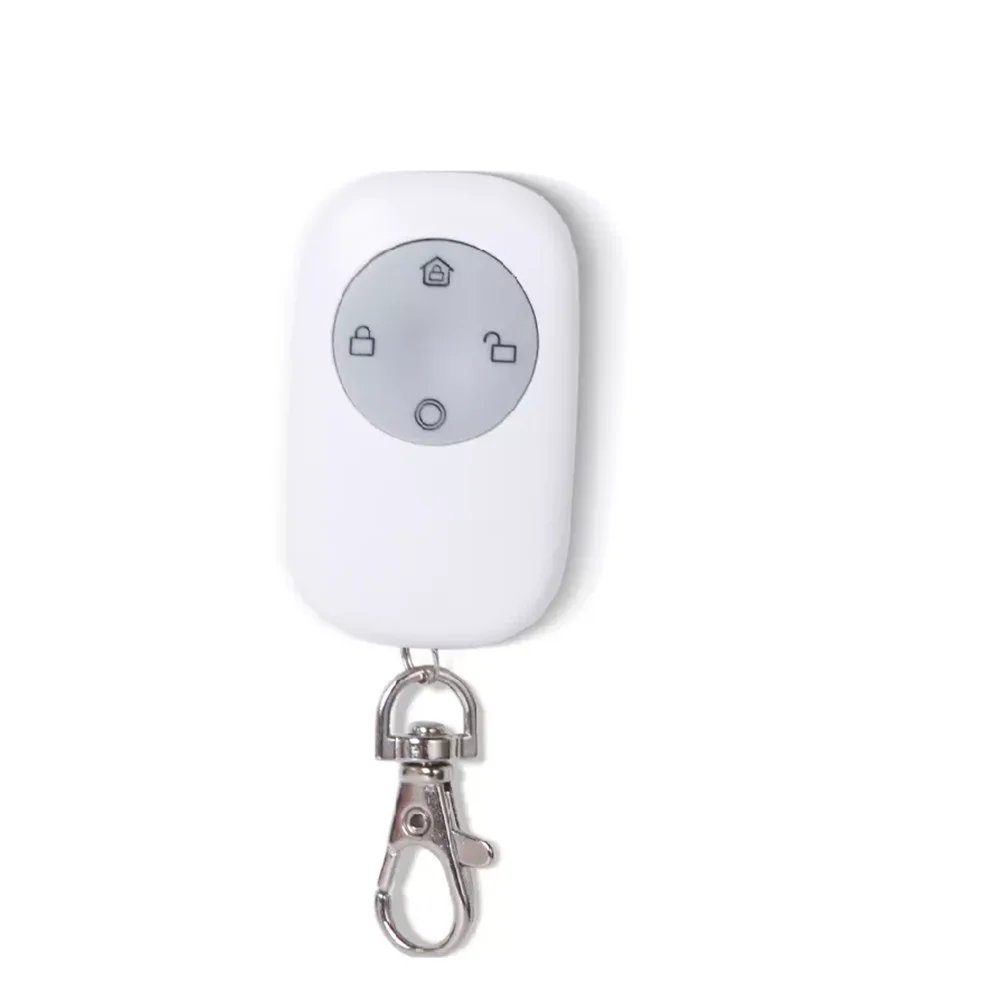
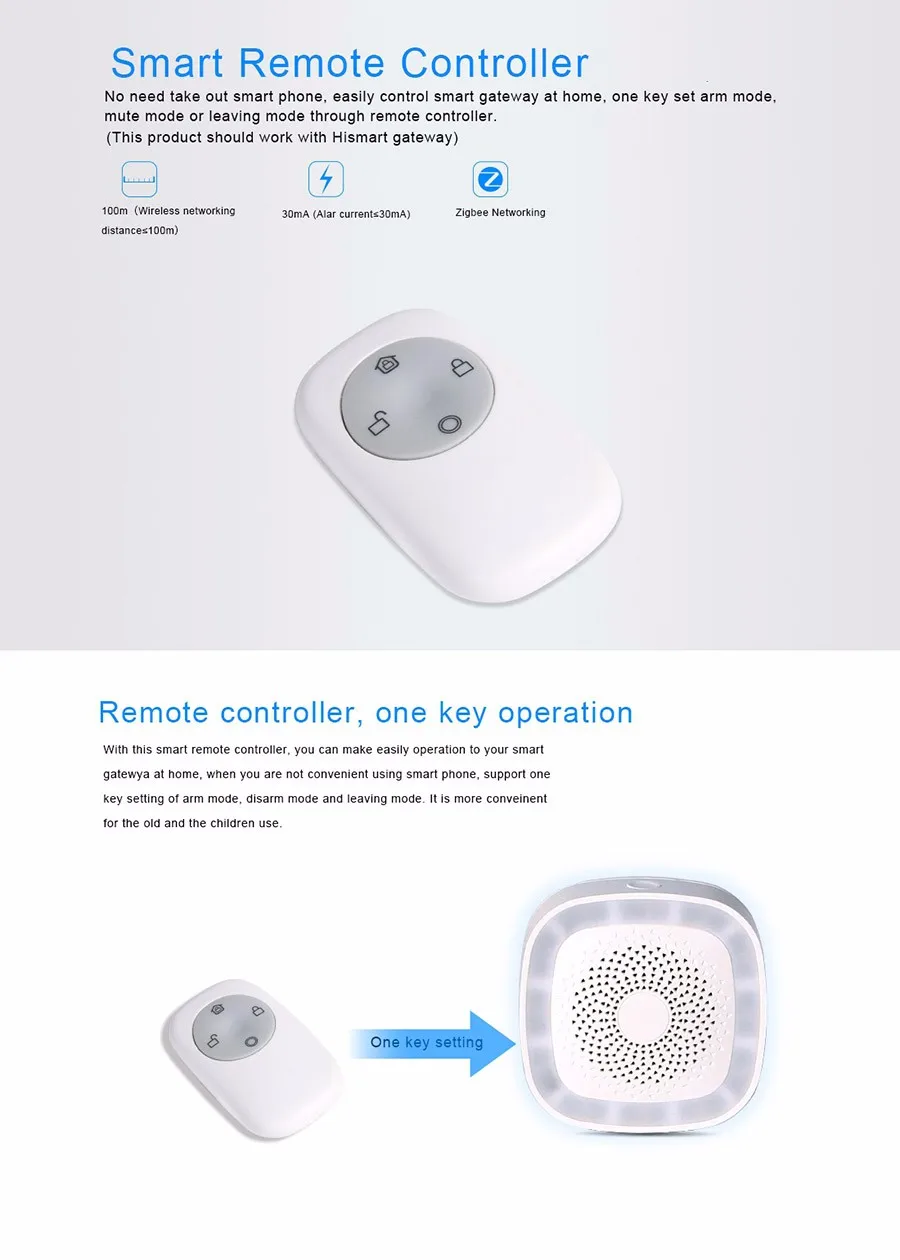
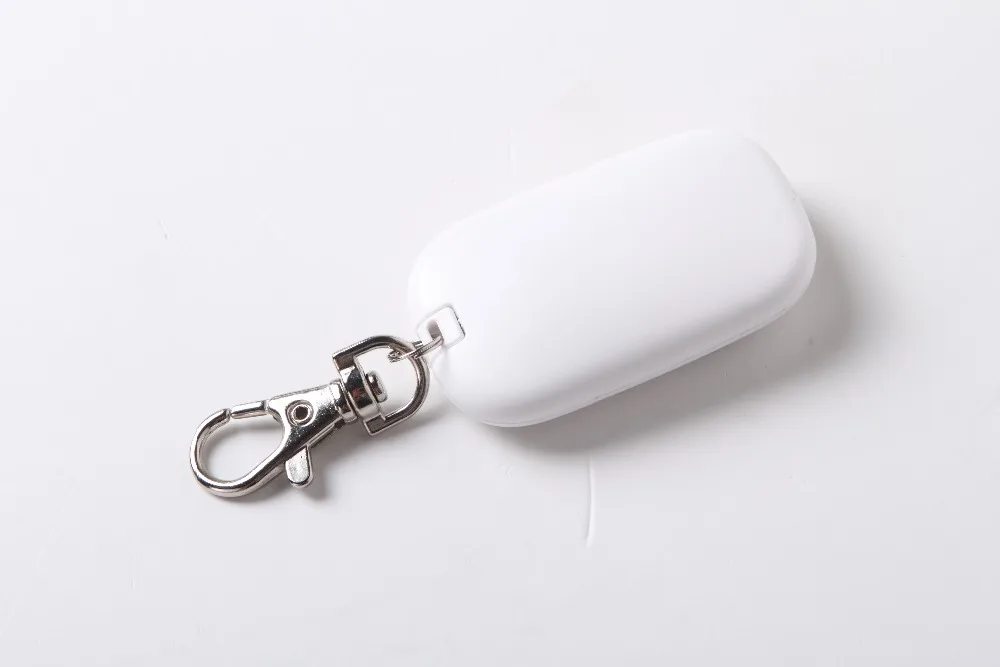
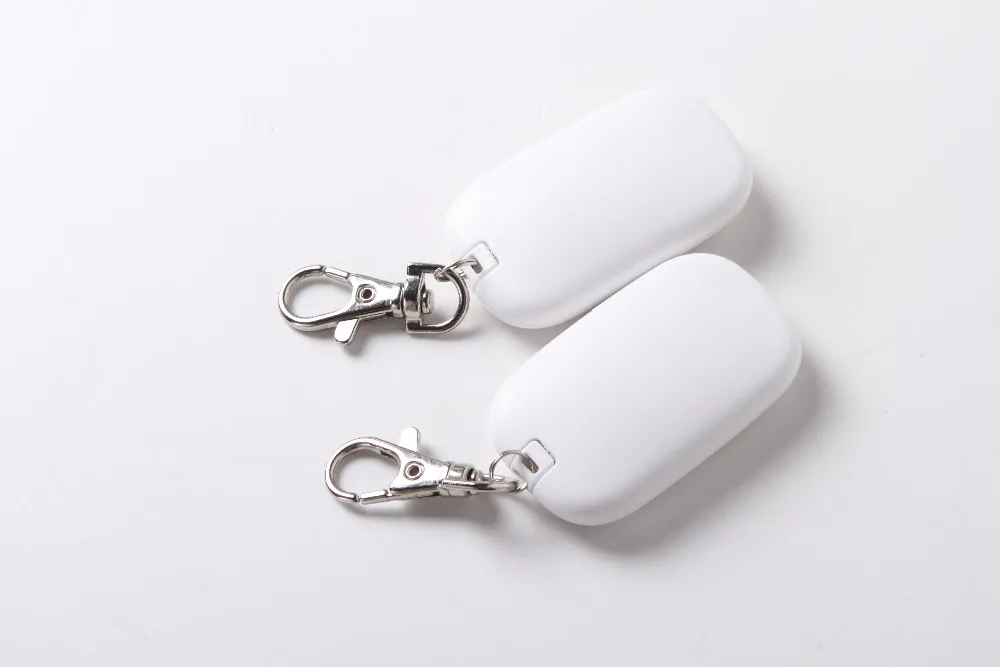
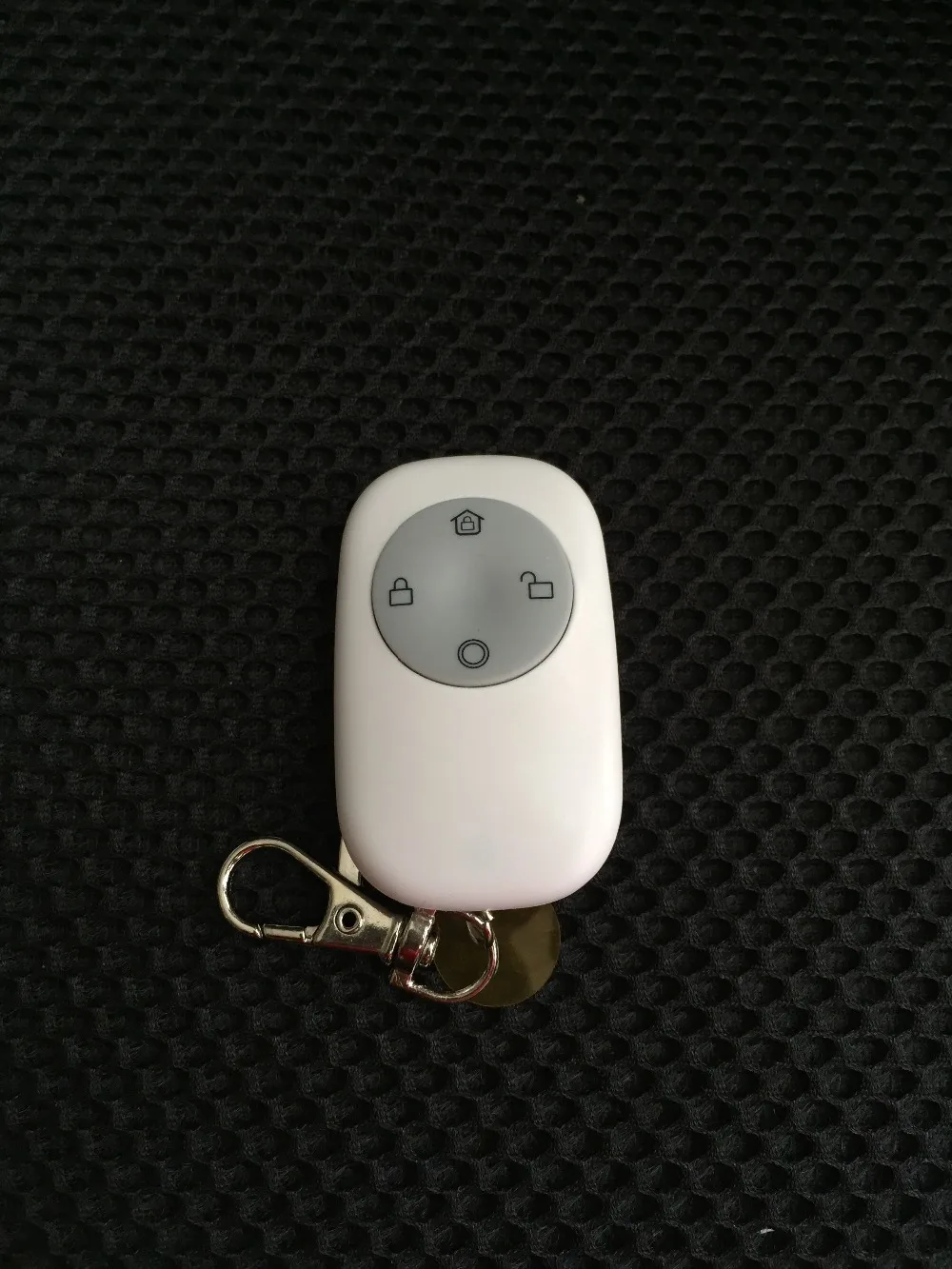
This Tuya Zigbee Remote must be work with Special Tuya Zigbee Hub/gateway it Can't work independently!!
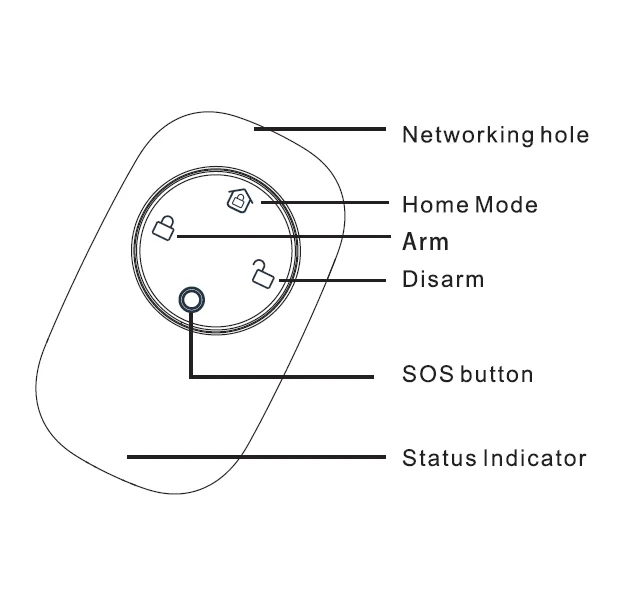
DIY Your Smart Home Scence, Linkage Alarm, When you linkage the Zigbee Strobe flash siren with Tuya zigbee gateway, when you press SOS panic button then the siren will be make 95dB big sounds to alert user or threaten thief.
Tuya zigbee strobe flash Siren:
https://www.aliexpress.com/item/1005003333741205.html?spm=a2g0o.store_pc_groupList.8148356.15.19afa2b0Vf3Go1
Tuya zigbee gateway please click here :
FAQ:
Q:What's type zigbee gateway does this Tuya zigbee Can be compatible ?
A: This Tuya Zigbee Remote controller it must be Compatible with
Zigbee Remote Controller which built in Special Tuya Module it can be Compatible with Tuya zigbee gateway,Tuya Moes Tuya
zigbee gateway/hub. which control by Smart life and Tuya Smart Application Or Open-source Platform Home assitant with
Zigbee Dongle or Zigbee2Mqtt ,Or Home Assitant and Tuya integration, Home assistant and Conbeeor and Jeedom gateway.
Q: What;s App does this Special Tuya zigbee Remote controller use ?
A:It must be use Tuya Smart or Smart Life App .
Q: Does it can be compatible with Xiaomi zigbee Gateway ?
A: Sorry, This tuya zigbee remote control can;t compatible with xiaomi gateway.
Q: How to connected this Tuya zigbee Remote With Home assistant .
If you need connected Tuya zigbee Devices with Home assistant please operation as below:
1.Open Https://iot.tuya.com/ and register a Tuya IOT account(this account not same as your tuya smar life app account),
2 .Create a cloud development project, and The service industry and development method must choose whole-house intelligence Otherwise the plugin will not be able to sync the device to the home assistant. then License the API,
3. Choose the Devices and then add with Tuya Smart life App account> connected the Tuya" Smart life "App account by Scan the QR Code> get the tuya devices Local Key and save it .
4. Open your home assistant configuration>devices and Server>add integration>and search Tuya and it will popup Tuya Plugin and input the local key and the tuya "smart life" app account and password >click the intergration devicesit can be enter the deveices interface> then it will be successful.
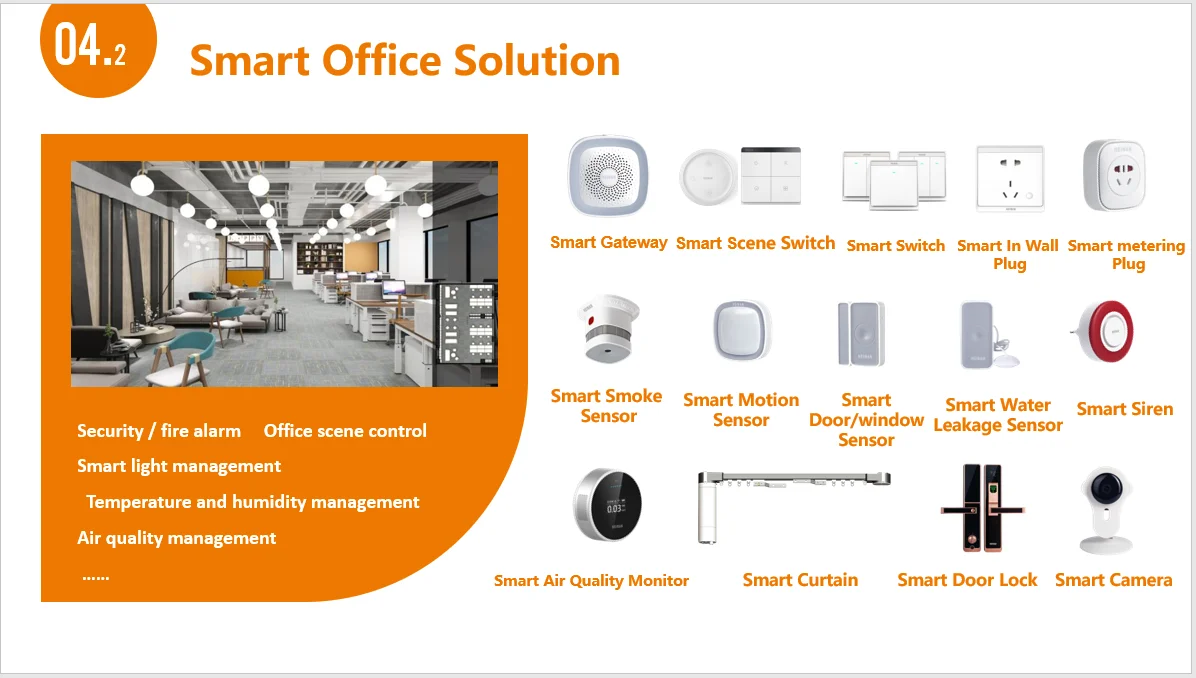
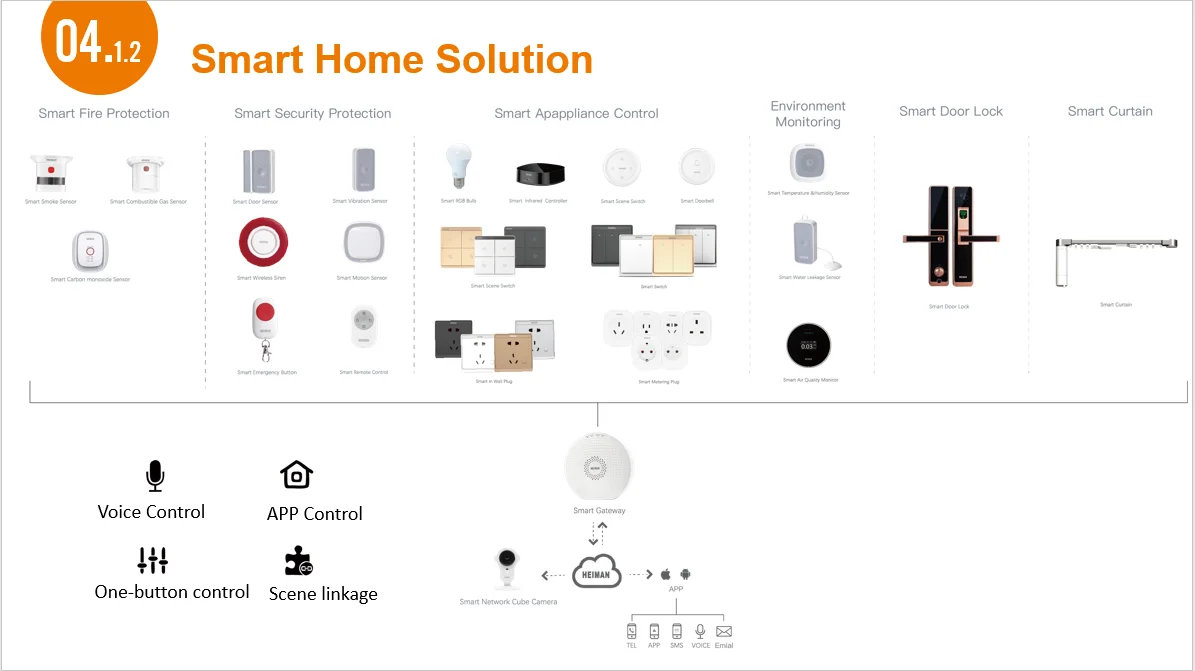
More Tuya Special zigbee detector for option to Build in Your Smart Home And Smart Office !


Total
£18.11
