Secure Payments
SSL encrypted checkout
Fast Delivery
Delivered Across the UK
Trusted Shopping
Simple & Secure
1. We are the Only VXDIAG Official Store in Aliexpress! All our products are 100% original directly from VXDIAG.
2. Advanced quality product, 2 years warranty, online lifetime technical support.
3. 1-7 days fast delivery from overseas warehouse.
4. Support wholesale price and drop shipping.
Looking forward to cooperate with you
Best wishes!
VXDIAG Team
1. Shows Error: No device on VX Manager.
A: Click the reconnect button and check there is Realtek USB from my computer-management-Device Manager-Network Adapters.
If cannot find it means the device is not inserted, please put the cable tightly to the USB port. There is a drip after few seconds means the device has started.
Click the reconnect button again and then VX manager will display the device serial number, indicating that the connection is successful.
2. How to Resolve "License Expired" Issue?
A: 🌎Download VX Manager
Please download and install the latest version VX Manager via www.vxdiag.net.
🌎Update the Firmware
Connect device to laptop, laptop connecting network and open new VX Manager, click "Firmware" to update.
🌎Update the License
Click "Update license" to renew on VX Manager.
3. The Diagnostic Software Crashes or Becomes Unresponsive After Startup.
A: Verify that the computer meets the software's system requirements Windows 10 Pro.
It does not support Windows Home Edition, Windows XP, and may experience crashes when used in a virtual machine.
Please close antivirus software and firewalls, and try reinstalling the software.
4. The Device cannot Connect with the Vehicle?
A: Ensure the vehicle is turned on and in diagnostic mode. Check if the OBD2 port is properly connected, and verify that the USB connection is stable.
5. Is there a time limit on the license? Do I need to pay an annual renewal fee?
A: VXDIAG licenses are permanently free. If your license appears to have expired, you can simply click "Firmware Update" and "License Update" in the VX Manager to renew it. If the update fails, please kindly contact us for support.
6. Can I add other vehicle brand on this device?
A: Sorry for the inconvenience, VCX NANO is a single car brand VCI, if you need a VCX that allows being added with more car brand license, check VCX SE for VW.

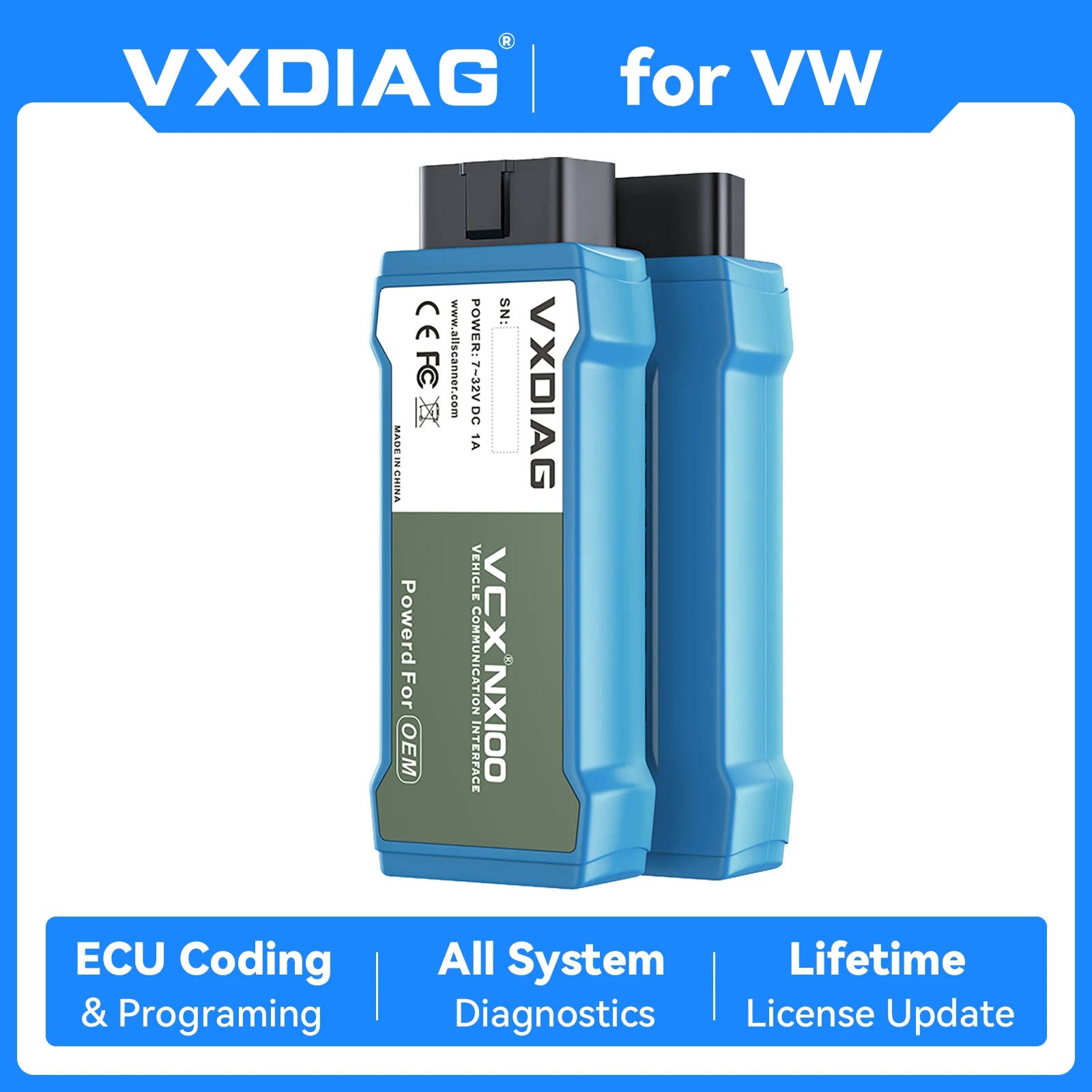
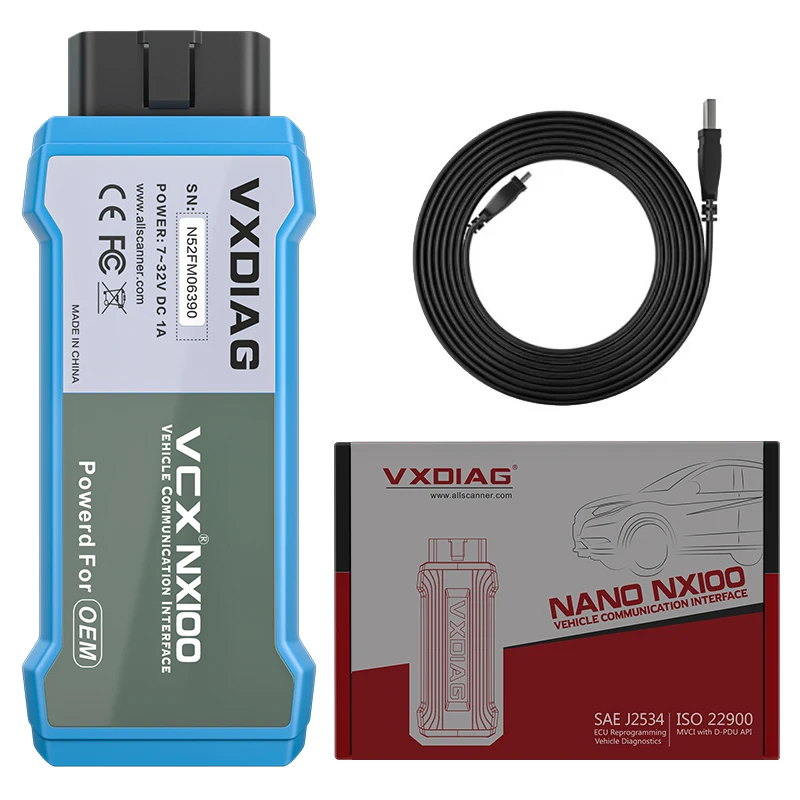
VXDIAG VCX NANO NX100 is a full system diagnostic and programming interface for VW for Audi for Skoda for VAG for Seat, which can read and clear code, dynamic data flow, programming, coding, and personalized settings, including maintenance information systems, technical briefings, circuit diagrams, component drawings, diagnostic guidelines, etc, within 48 hours free shipping.
1. Instead of original tool, perform all OEM functions
2. Support UDS/J2534 protocol
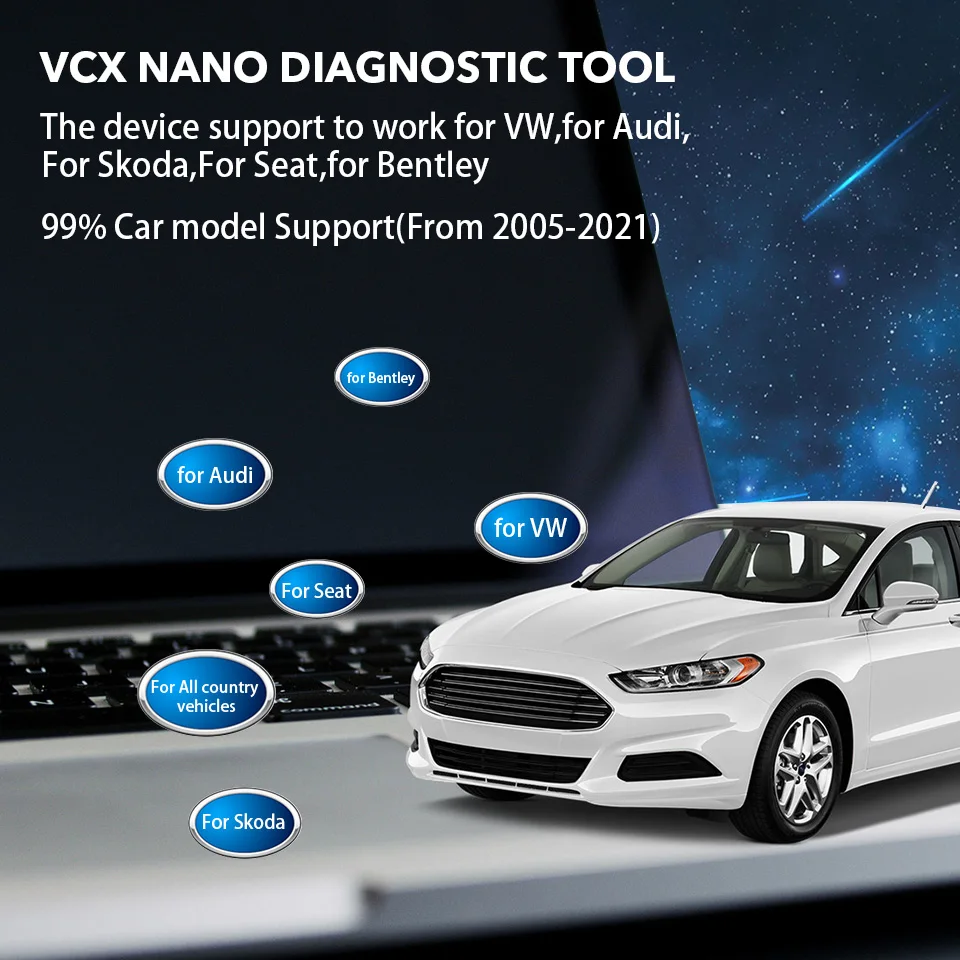
3. Support car models: for VW, for Audi, for Skoda, for SEAT, for Golf
4. Support USB and WiFi connection: with wireless communication technology, VCX Nano can achieve wireless communication of the vehicle and diagnostic interface
5. Support cars from year from 2001 onward including new & future models under production
6.Available for official software, more convenient
7. Lifetime license, firmware and license free update in VX Manager
8. VCX NANO is a single brand vci, if you need a VCI that allows being added with more car brand license, check VCX SE for VW Audi.
Note: we don't provide software link, please get it on official channel.

--The VCX NANO for VW diagnostic scanner support to program ECU and fix software controlled driving performance and emission issues.
--Programming: you can download new software version from the online server database and reprogram it to the ECU.
--Coding: program adaptive data for car control modules after repair or replacement of vehicle part.
--VCX Nano support to do online programming and coding or you can use the engineer software to do offline coding, programming.
Notice: We are not support to provide the online account and engineer software.
K line (ISO9141-2)
High-speed CAN (ISO 11898-2)
Low-speed CAN (ISO 11898-3)
J1850 (SAE J1850)
UDS Protocol
PWM Protocol
VXDIAG VCX NANO for VW standard OBD2 automotive diagnostic equipment, support SAE J2534 and ISO 22900 PDU protocols.

The process of sending and retrieving information from a vehicle control module with a device is known as Actuation Test or Bi-Directional Control. VCX Nano is with this captivity. The main aim of the actuation test function is to request the control module to perform a specific function including system tests, actuator tests, functional tests, inspection tests, reprogramming or reinitialization, thus saving diagnostic time.
VCX NANO for VW quickly read vehicle vin and run diagnostic on the selected system that allows technicians or repairmen to easily identify vehicle information, such as manufacturer model, year and place of manufacture, etc.

The diagnostics application enables a data link to the electronic control system of the test vehicle for vehicle diagnosis.The application performs functional tests, retrieves vehicle diagnostic information such as read and clear trouble and event codes and live data for various vehicle control systems, such as ABS, SRS, Engine,Transmission, Brake system, Emission system, Fuel system, Light system, Wiper system and etc.
VXDIAG VCX NANO for VW diagnostic tool supports WiFi and USB communication to transmit the vehicle data to the laptop via the diagnostic software.

VXDIAG VCX NANO for VW diagnostic scanner support multi special functions, for various scheduled service and maintenance, including Maintenance Light Reset, Throttle Learning, Steering Angle Learning, Brake Pad Reset, Tire Pressure Reset, ABS Exhaust, Battery Matching, Gear Information Learning, Injector Coding, DPF Regeneration, Headlight Matching, Gearbox Learning, Suspension Matching, Sunroof Initialization, A/F Adjustment, Electronic Pump Start, Release Transportation Mode, Tire Modification, Door and Window Calibration, Start-stop Setting, Language Setting, Seat Calibration, Shielding Failure, etc.

1.Reading Codes
2.Erase Codes
3.I/M Readiness Status
4.Read Live Data Stream
5.View Freeze Frame Data
6.O2 Sensor Test
7.On-Board Monitor Test
8.Read Vehicle Information
9.DTC Lookup
10.EVAP System Test
--Support to work on window 10 pro system (not support Home and Education system)
--The device include the license, no need to pay the license again, if the license time is expried, you can directly update it in our driver app "VX-Manager".


Total
£58.55